
Transfer ownership
Handing the account to somebody else, ideally long before you have to.
Before you start
The person taking over has to already be a member, with a confirmed email address.
Open Team members and find them in the list.
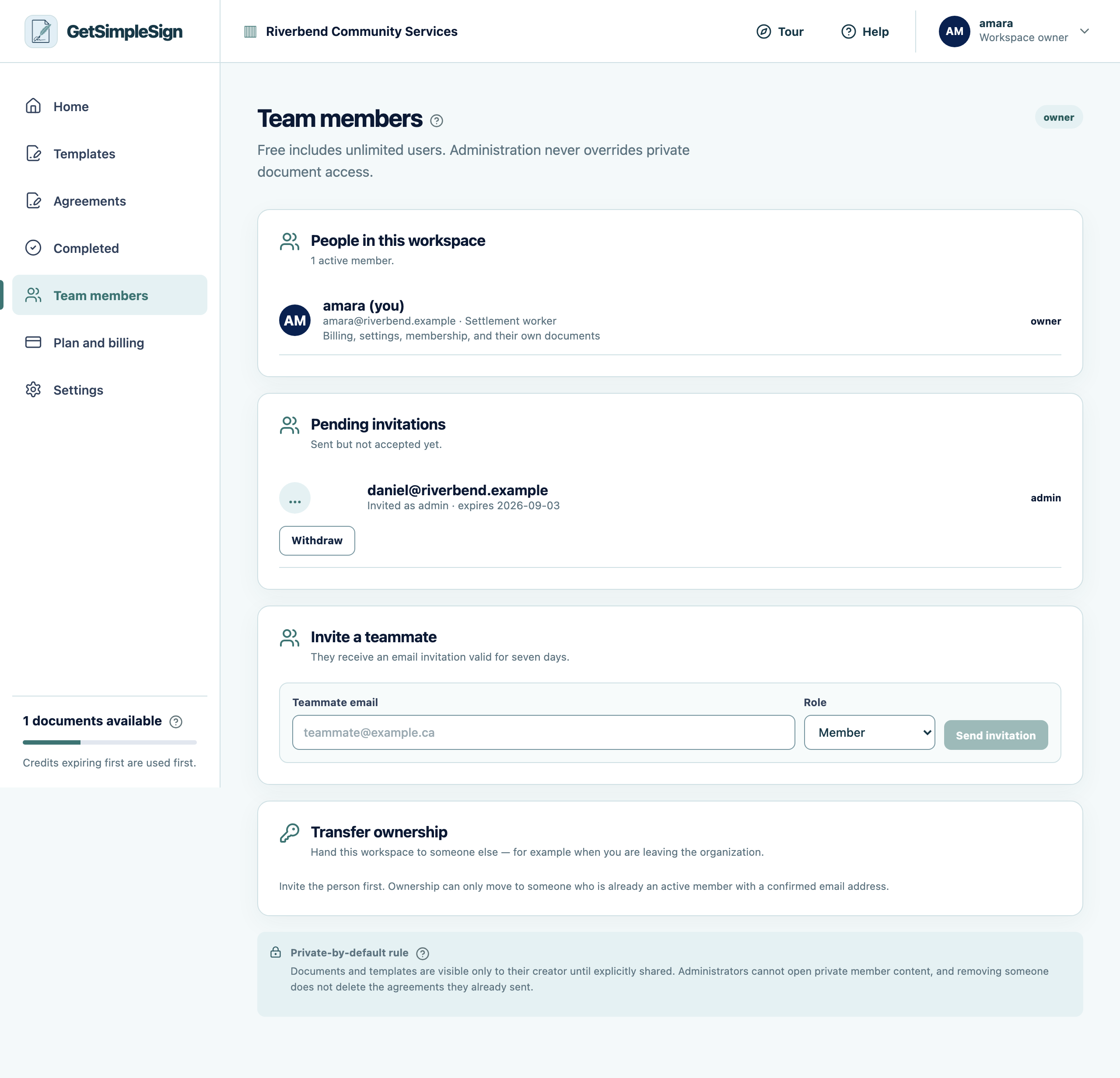
The Team members screen, listing members, their roles, and any invitation still outstanding. Press Make owner beside their name.
Confirm. They become the owner and you become an administrator, in one step.
You should see
Both of you are emailed a record of the change, so it exists somewhere outside the account.
If it did not work
It says they have not confirmed their email. That is the condition worth having: it stops the organization being handed to an address nobody has proved they can read.
You are the only owner and you are leaving. Do this before you go. A workspace whose only owner has left is one nobody can fix.
Next:Remove someone