

Review workspace activity
Owners and administrators can review recorded activity in the workspace.
Open Activity in the side menu.
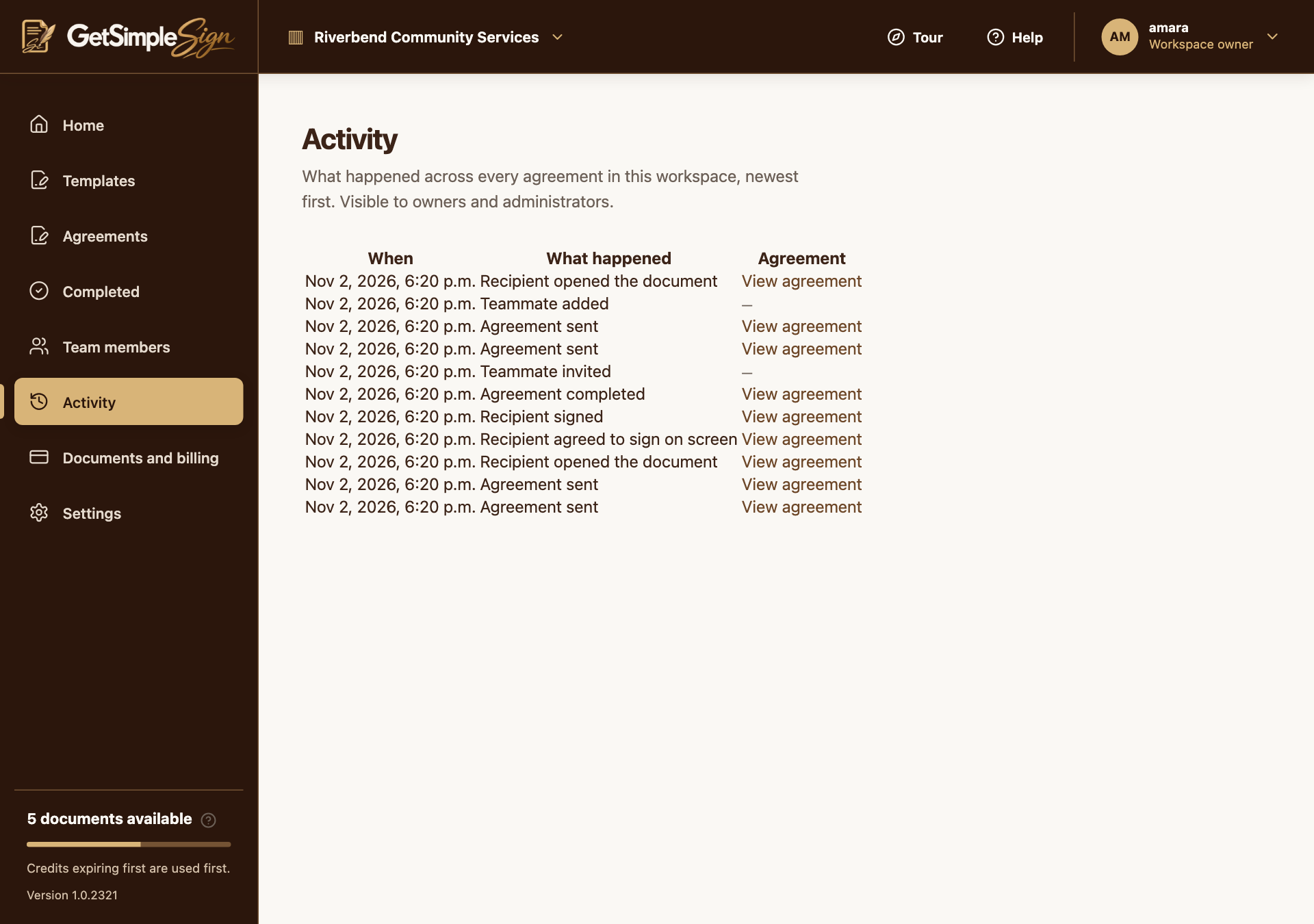
The workspace activity log with recorded events. Screenshots use a demonstration workspace. Review the recorded event descriptions and times. Use agreement detail pages for the recipient-level signing and delivery history.
You should see
You can review the available activity records without changing an agreement.
If it did not work
Members and Read-only users do not have the same activity permissions as owners and administrators.
Activity access does not grant access to another creator’s private document content.