
Reorder, insert and delete pages
Fixing a document that was scanned in the wrong order, or has a page that should not be there.
Open the template and press Edit pages.
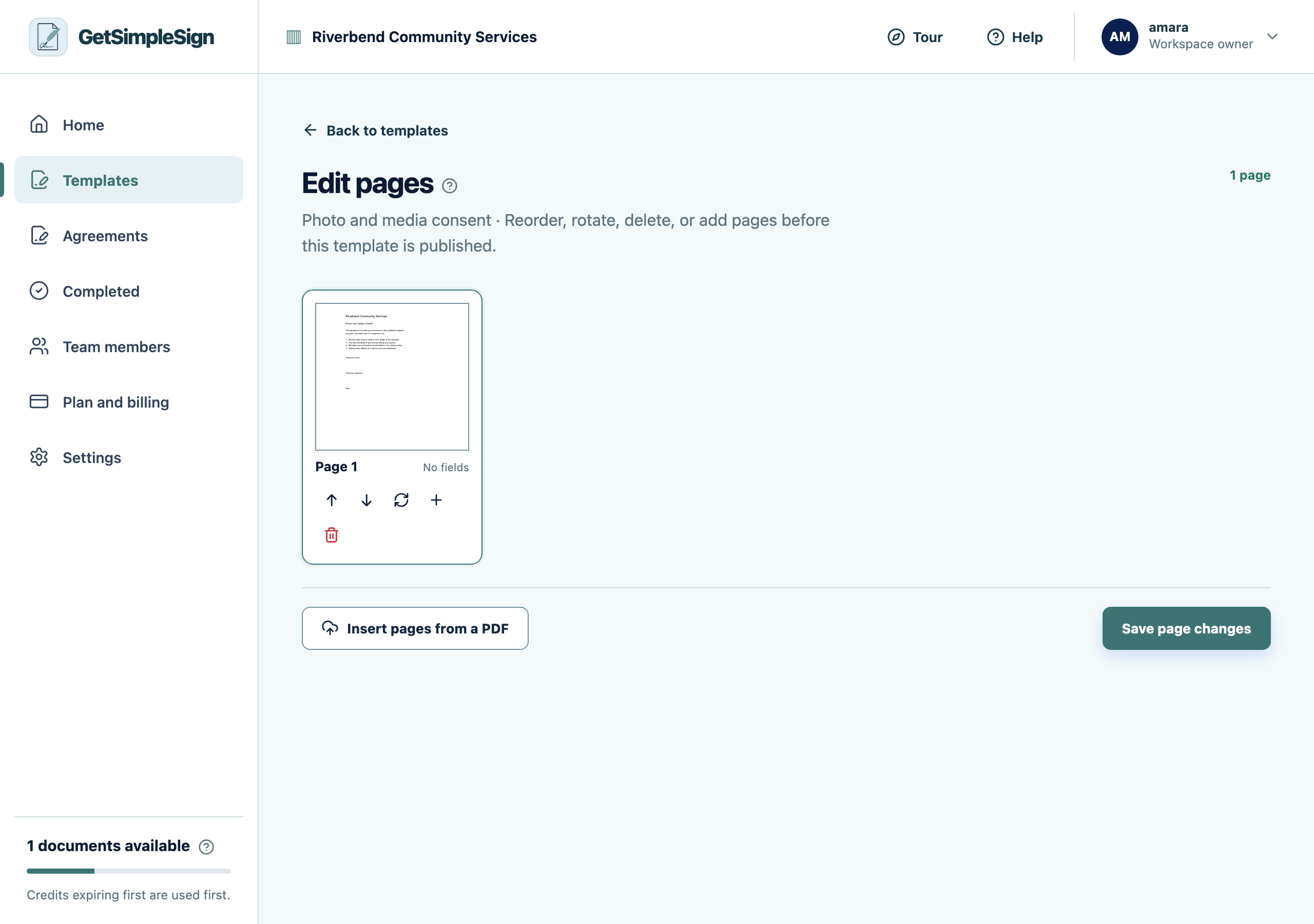
The page editor, where pages can be reordered, rotated, deleted, or added from another PDF. Drag a page to move it. Rotate one that was scanned sideways. Remove one that does not belong.
Insert pages from another PDF if something is missing.
Save. The document is replaced, and any fields you had already placed are checked against the new page count.
You should see
The page thumbnails are in the right order and the right way up.
If it did not work
Fields have moved or disappeared. Deleting or reordering pages moves what sits on them. Open the field editor and check each field is still where it should be before publishing.
Next:Place fields