
Forgot your password
Getting back in when you cannot remember it.
On the sign-in page, press Forgot your password.
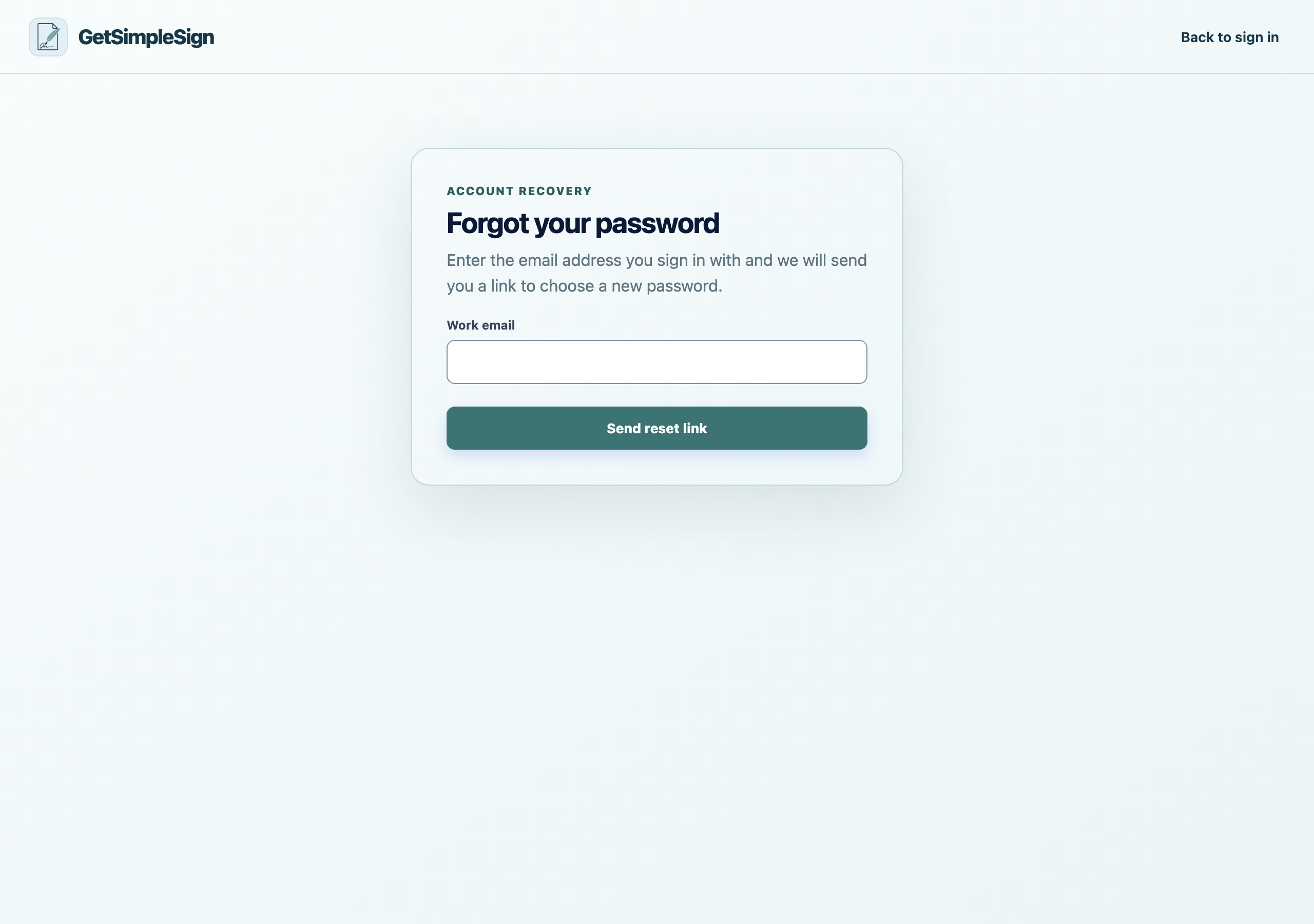
The password reset screen, asking for the email address on the account. Enter your email address and press the button.
The page will say a link has been sent whether or not there is an account for that address. That is deliberate: it stops the page being used to find out who has an account here.
Open the email and press the link, then choose a new password of at least twelve characters.
You are signed in with the new password, and every other signed-in session is ended — so if somebody else had your old password, they are out.
The link says it has expired. Reset links are short-lived. Ask for another one.
You never receive the email and you are certain the address is right. It may be that the account is under a different address. Ask a colleague who is an owner to look at the team list.