
Remove someone
Ending access when a person leaves.
Open Team members and remove them.
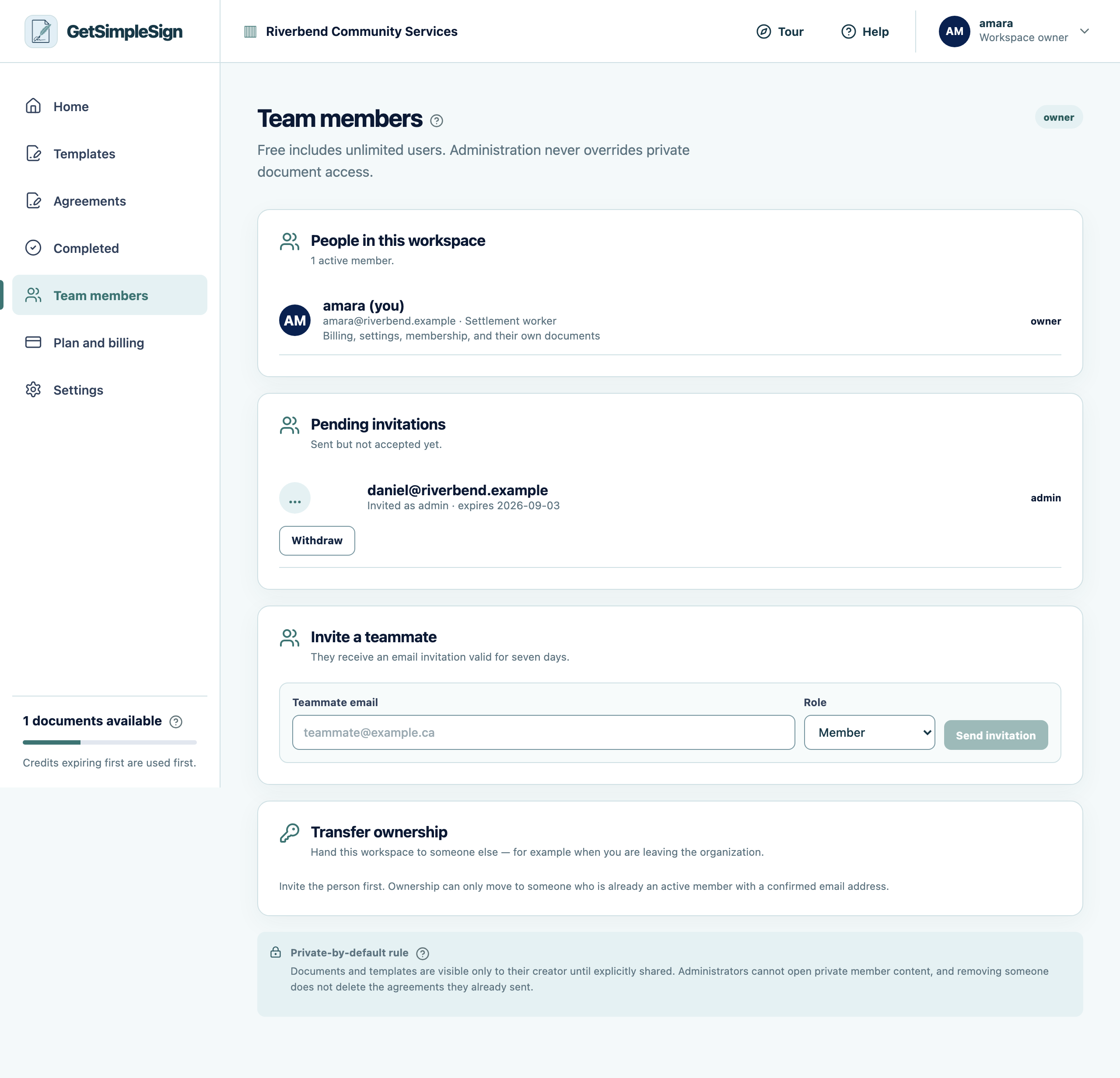
The Team members screen, listing members, their roles, and any invitation still outstanding. Their access ends immediately, on every device.
If they are the owner, transfer ownership first. See Transfer ownership.
You should see
They are gone from the list, and their agreements remain — a signed document belongs to the organization and to everybody who signed it.
If it did not work
You removed the wrong person. There is a thirty-day window in which they can be restored.
They still had agreements in progress. Those keep running. The links already sent are unaffected.