
Close your account
What goes, what stays, and why.
Open your profile and go to Your data.
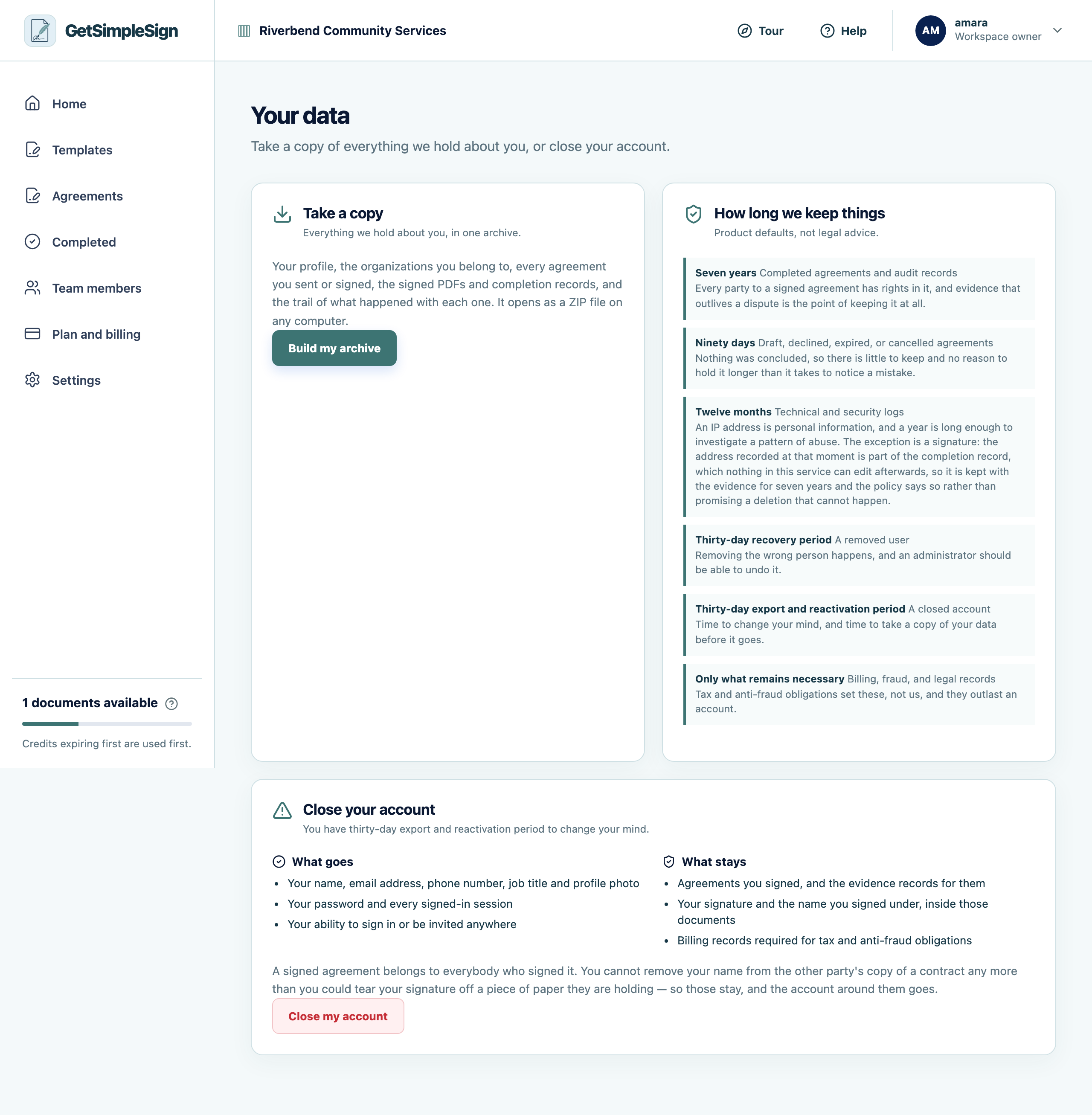
Your data: what is kept about you, how long for, how to export it, and how to close the account. Request closure. There is a thirty-day window before it is final, so you can change your mind and so you can take a copy first.
After that: your name, email, phone, job title, photo, password and every session are removed, and you can no longer sign in or be invited anywhere.
What stays: agreements you signed and their evidence records, your signature and the name you signed under inside those documents, and billing records required for tax.
You are told the date it becomes final, and it is honoured on that date rather than at some unstated later point.
You wanted your signature removed from a document somebody else holds. A signed agreement belongs to everybody who signed it — you could no more remove your signature from their copy than tear it off a piece of paper they are holding.
You are the only owner of a workspace. Transfer it first. See Transfer ownership.