
Following an agreement
Seeing where something you sent has got to.
Open Agreements. Everything you have sent is listed with where it has reached.
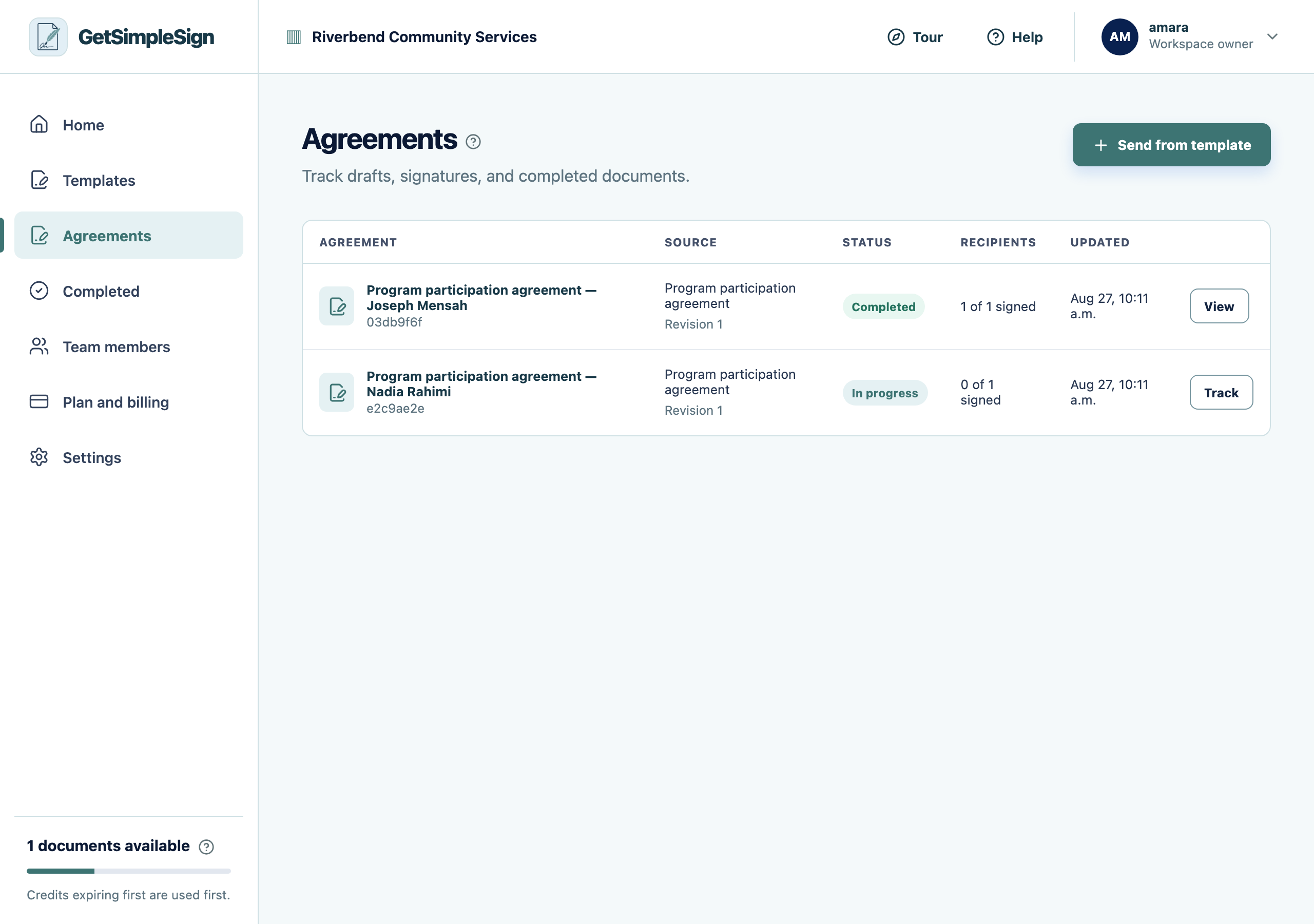
The Agreements list, showing what has been sent and where each one has reached. Open one to see each recipient, their status, and what you can do next.
 12
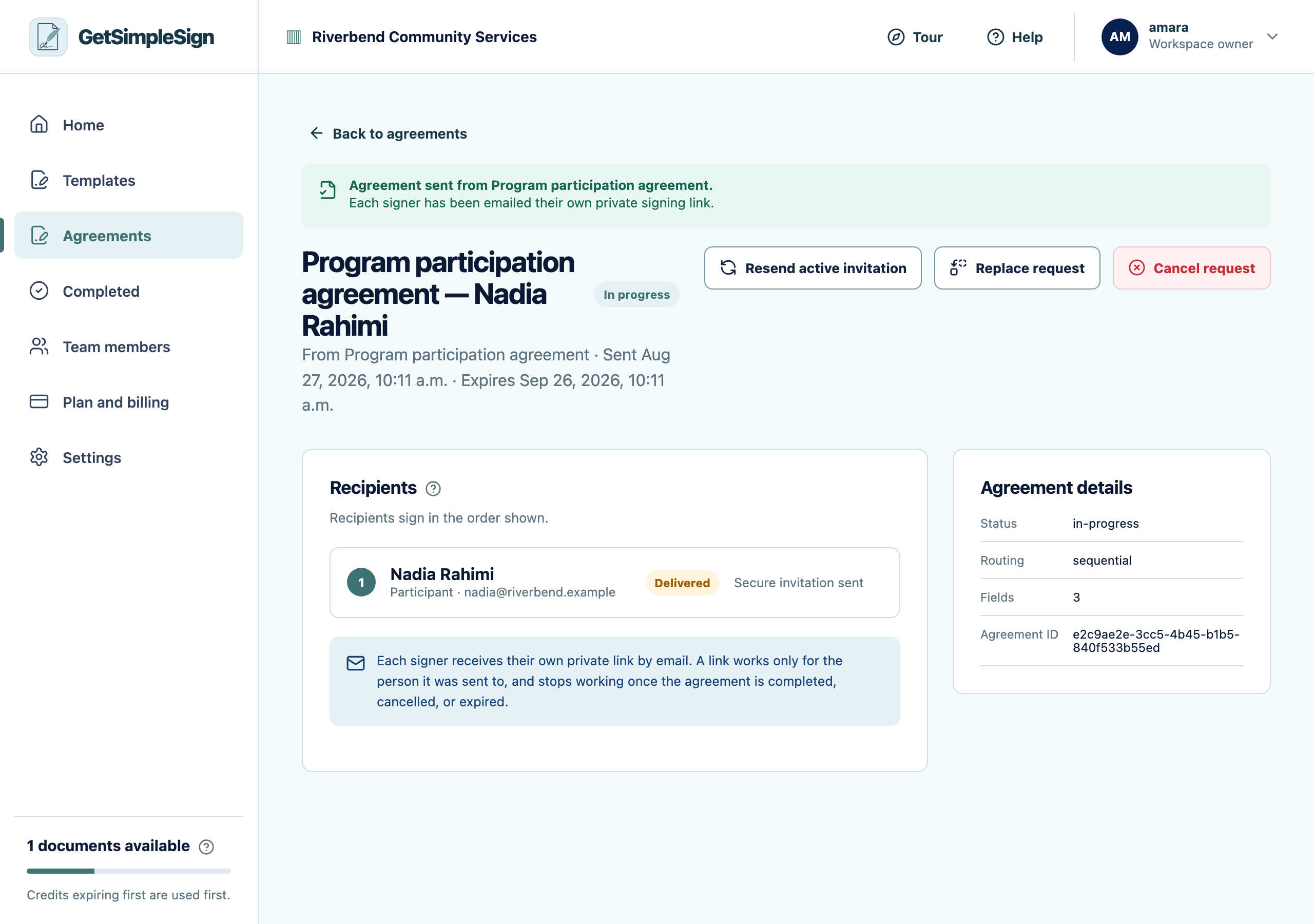
12An agreement in progress, showing the recipient, their status, and the controls to resend, replace or cancel. - 1Each recipient and where they have reached.
- 2Cancel request voids the agreement. You are asked to confirm, and told what would be lost.
Statuses read plainly: waiting for a prior signer, invitation sent, signed, declined.
You should see
You can answer "has she signed it yet" without emailing anybody.
If it did not work
It says the invitation was sent but they say it never arrived. Check the delivery record on the same screen — it says what the mail system reported.
You cannot see an agreement a colleague sent. Agreements are private to the person who sent them unless shared.