
Profile and photo
What colleagues see, and what appears on the agreements you send.
Open your profile from the menu at the top right.
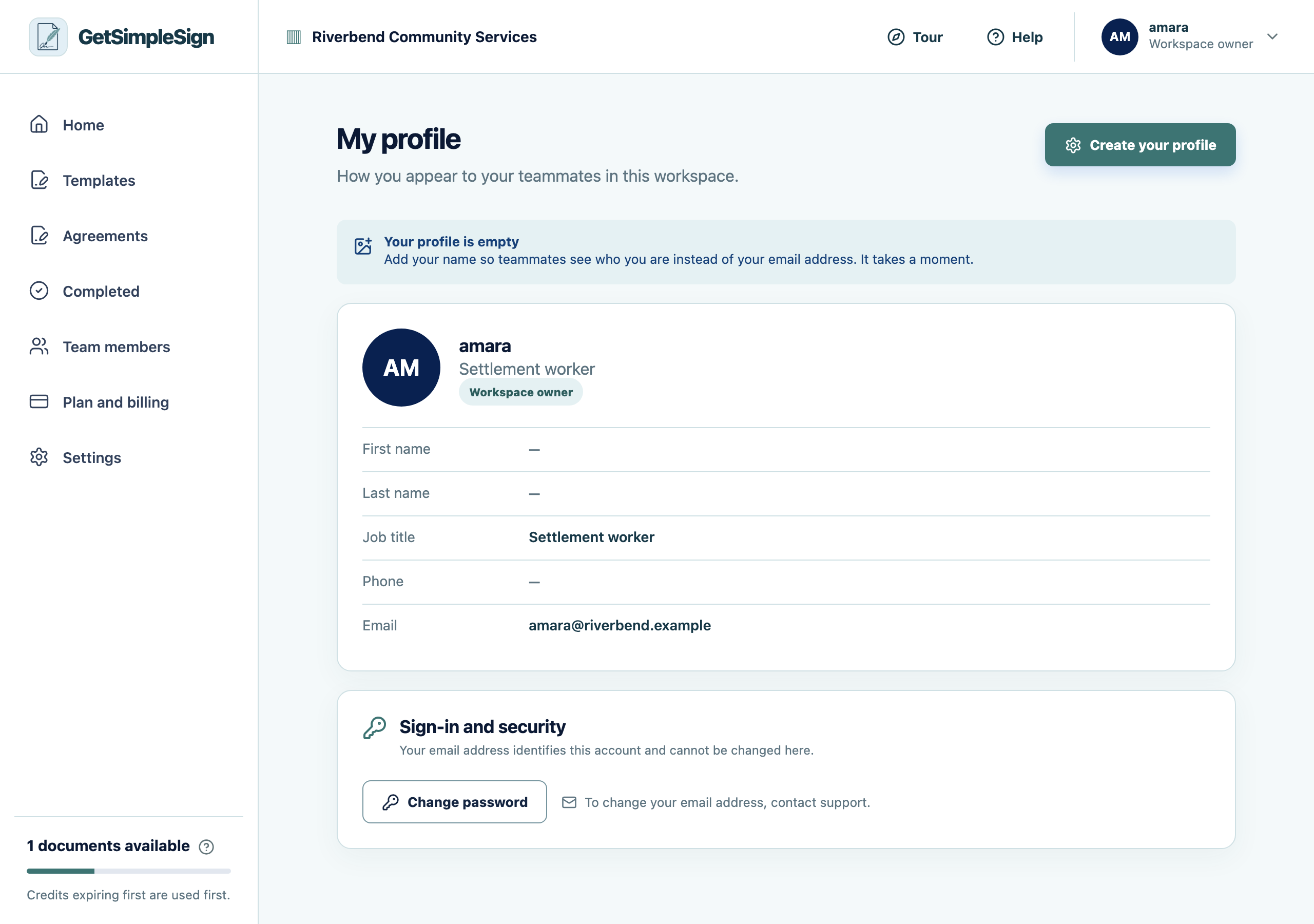
Your profile, showing your name, job title, photo and the account controls. Edit your name, job title and phone number. Your job title is what a colleague sees beside your name.
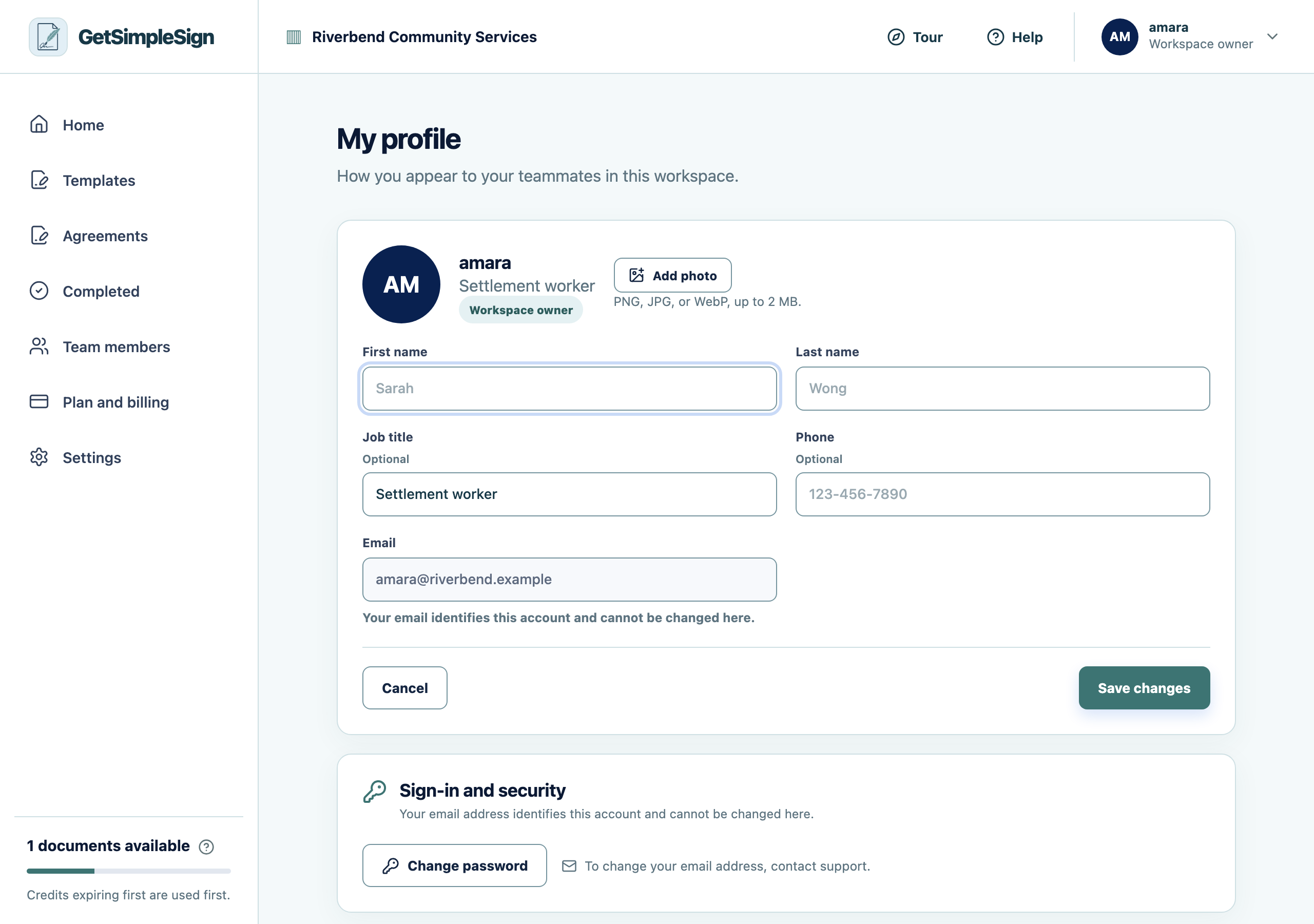
Editing your profile: first name, last name, job title, phone and photo. Add a photo if you want one. It is optional, and a workspace full of initials is perfectly fine.
You should see
Your name and title appear correctly in the team list.
If it did not work
You cannot change your email address here. Write to [email protected] — the address is how you sign in, so changing it is deliberately not a self-serve action.