

Resending an agreement
When the first link was lost, deleted, or never arrived.
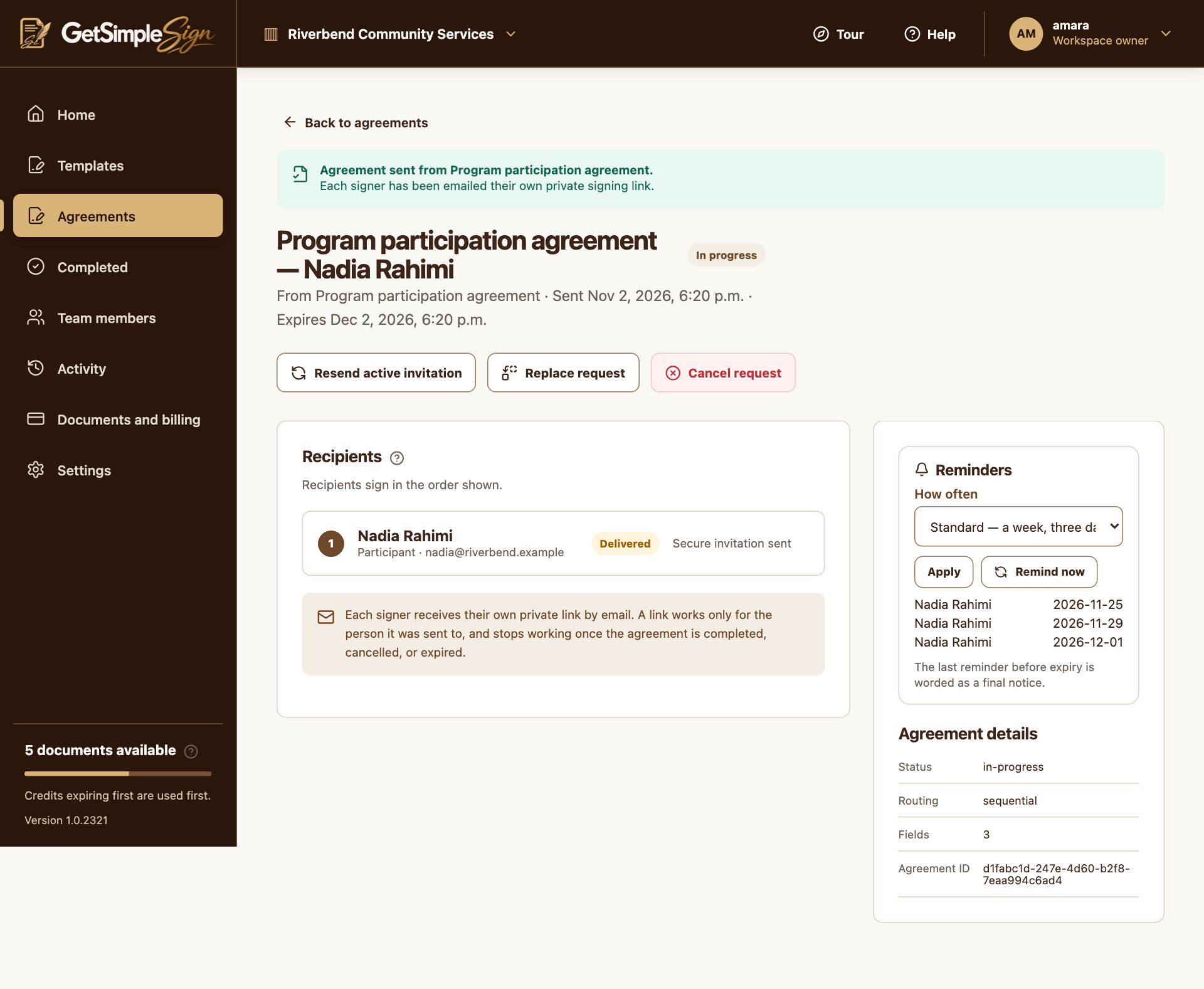
Open an active agreement with an email signer waiting. Choose Resend active invitation, or Remind now in its reminder panel.
 12
An agreement in progress, showing the recipient, their status, and the controls to resend, replace or cancel. Screenshots use a demonstration workspace. - 1Check each recipient’s signing status.
- 2Review a confirmation before cancelling an active request.
The current active recipients receive fresh invitation links. Older links for those invitations stop working.
An existing access-code requirement remains. Later sequential signers must still wait for their turn.
You should see
The agreement retains completed signatures while the current invitation is refreshed.
If it did not work
Resend uses the same recipient address. For an incorrect person or document, use Replace request or cancel and prepare another request.
Completed, declined, cancelled or expired agreements cannot be reopened with resend.