

How document credits work
What is charged for, and what is not.
Preparing templates, uploading supported files and managing your team do not use document credits.
One credit is consumed when you send an agreement, regardless of its number of signers. Copy-only recipients do not add credits to that send.
Resending an active invitation or changing its reminders is part of the same request. Creating a replacement or another agreement uses another credit.
An eligible new account receives three starter documents once. Additional credits come from purchases or applicable offers.
The balance expiring soonest is used first. Review each grant and its validity under Documents and billing.
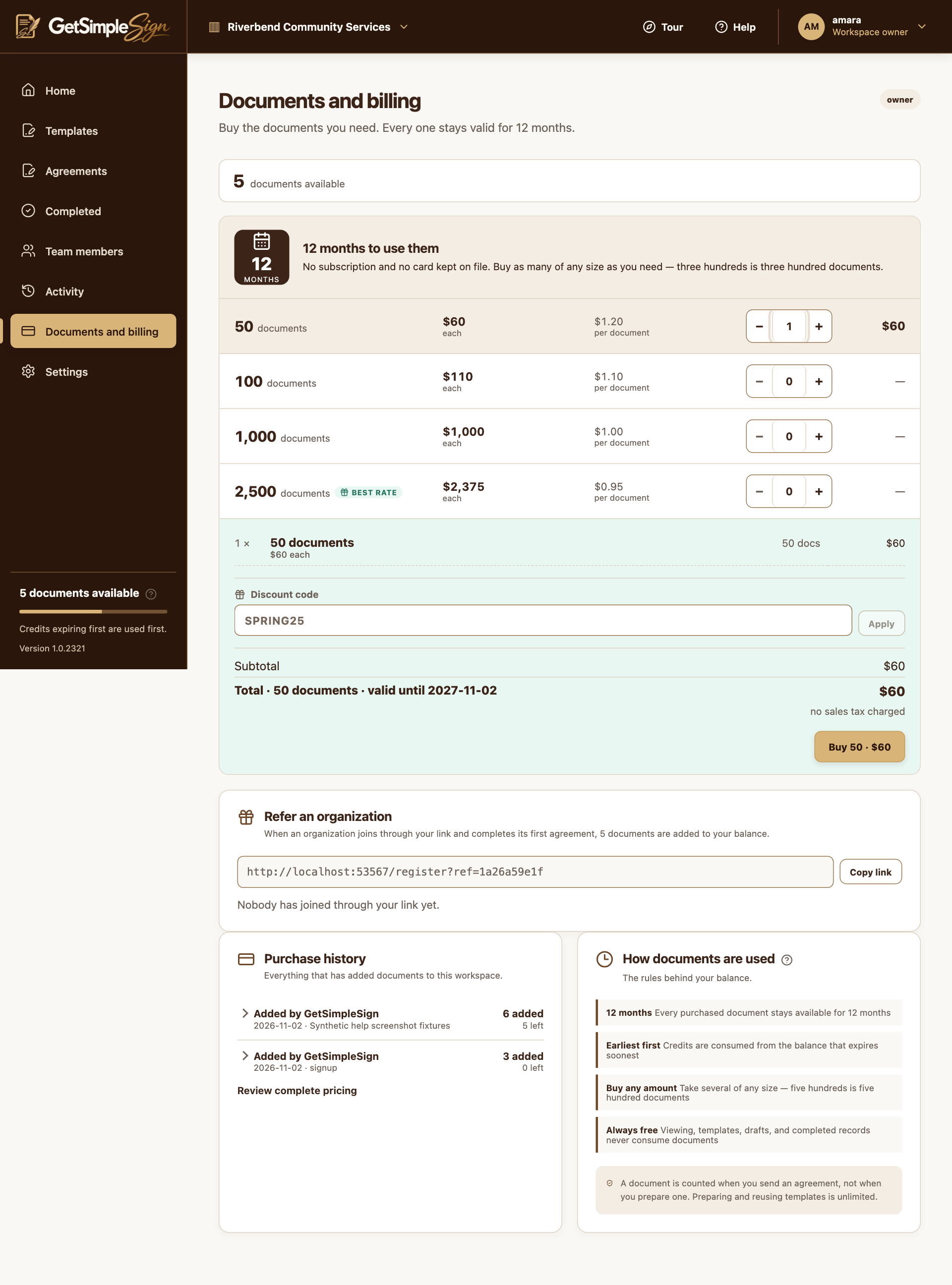
Document packs, quantities and the order summary in a synthetic billing example. Screenshots use a demonstration workspace.
Your available documents balance shows how many new requests you can send.
Cancellation does not automatically return a consumed credit.
Use the validity dates shown in the app for purchased or offered credits. A refund can reduce the credits remaining from the affected purchase.