
Add roles
Saying who signs, without naming anybody yet.
Open the template and go to Roles.
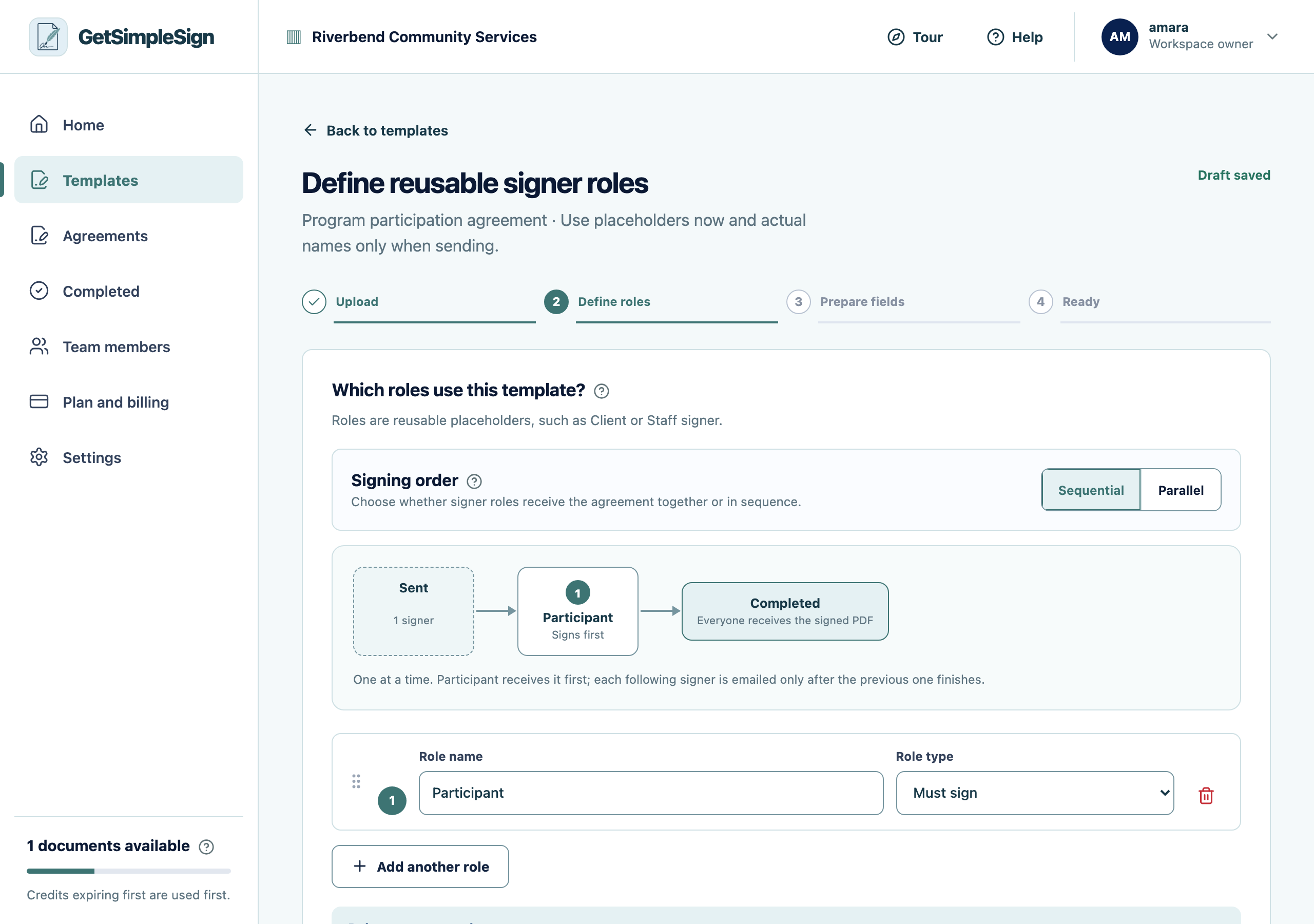
The roles screen, where you describe who signs — by their part in the agreement rather than by name. Add a role for each person who has to sign or fill something in. Name it by their part in the agreement: "Participant", "Client", "Worker", "Witness".
Do not put a person’s name here. Roles are not people — you type the real name and email each time you send, so one template serves everybody.
Choose whether they sign one after another, or all at the same time. See Signing order.
Each role is listed, and the field editor now offers those roles when you place a field.
You only need one role. That is the common case — most documents are signed by one person.
You named a role after a colleague and now somebody else does that job. Rename the role; nothing already sent changes.