

Download your completed copy
For a signer or copy recipient who needs the finished documents without a workspace account.
Wait until all required signers have finished and the document has been finalized. A single signer finishing is not always the end of the agreement.
Open the completion email and follow your private copy link. The last signer can also be offered the copy link on their confirmation screen.
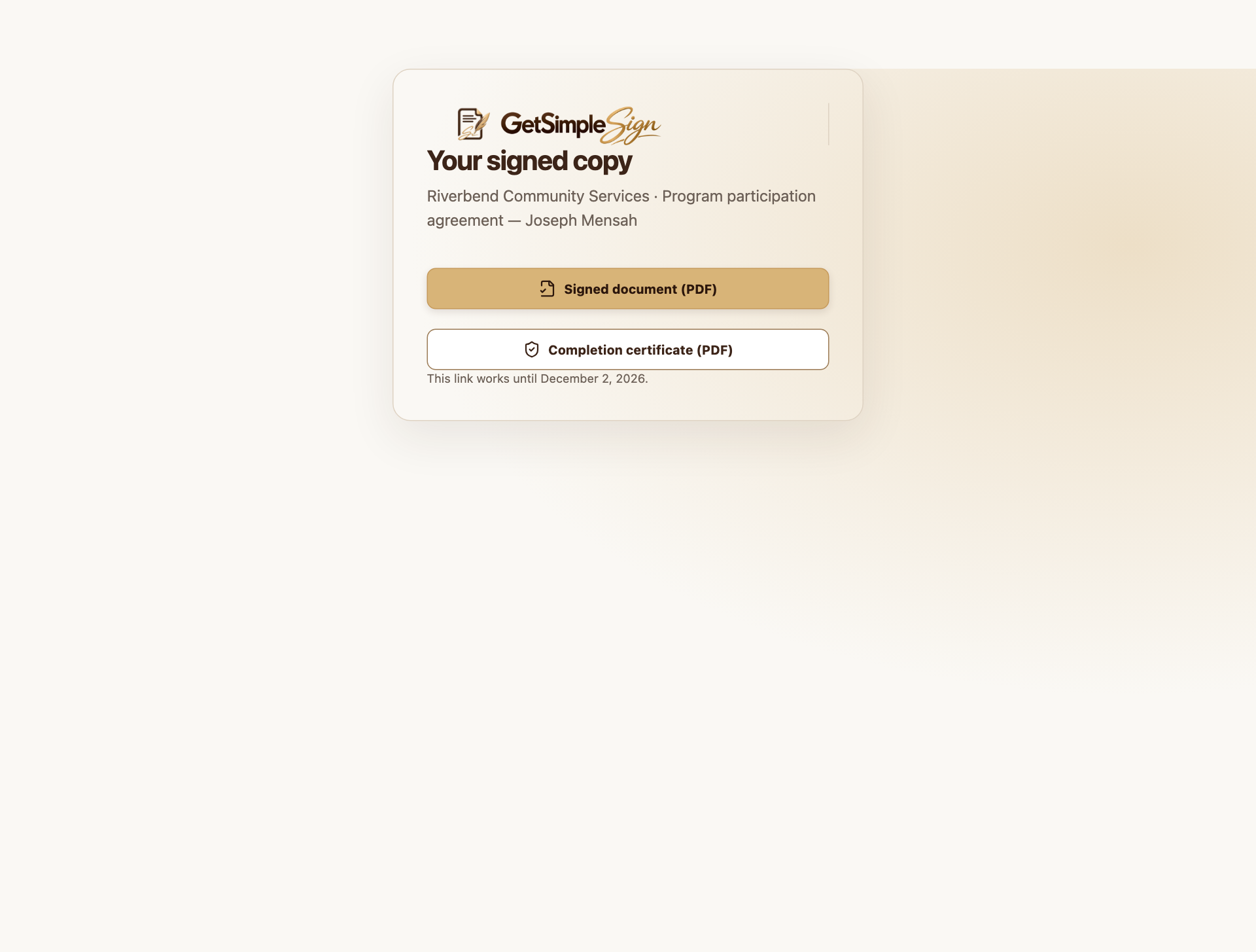
A recipient’s private download page offers the signed PDF and Completion record without a workspace account. Screenshots use a demonstration workspace. Download the signed PDF and Completion record, and save them securely before the expiry shown on the copy page.
Do not forward this link: it grants access to the completed documents. Follow the sender’s rules for sharing copies.
You have the finalized PDF and its completion record. Downloading does not require registration.
For an expired or unavailable copy link, contact the sender for a copy.
To check whether a saved PDF matches the service record, use the public Verify document page.