
Invite a teammate
Members cost nothing and there is no limit, so add everybody.
Open Team members.
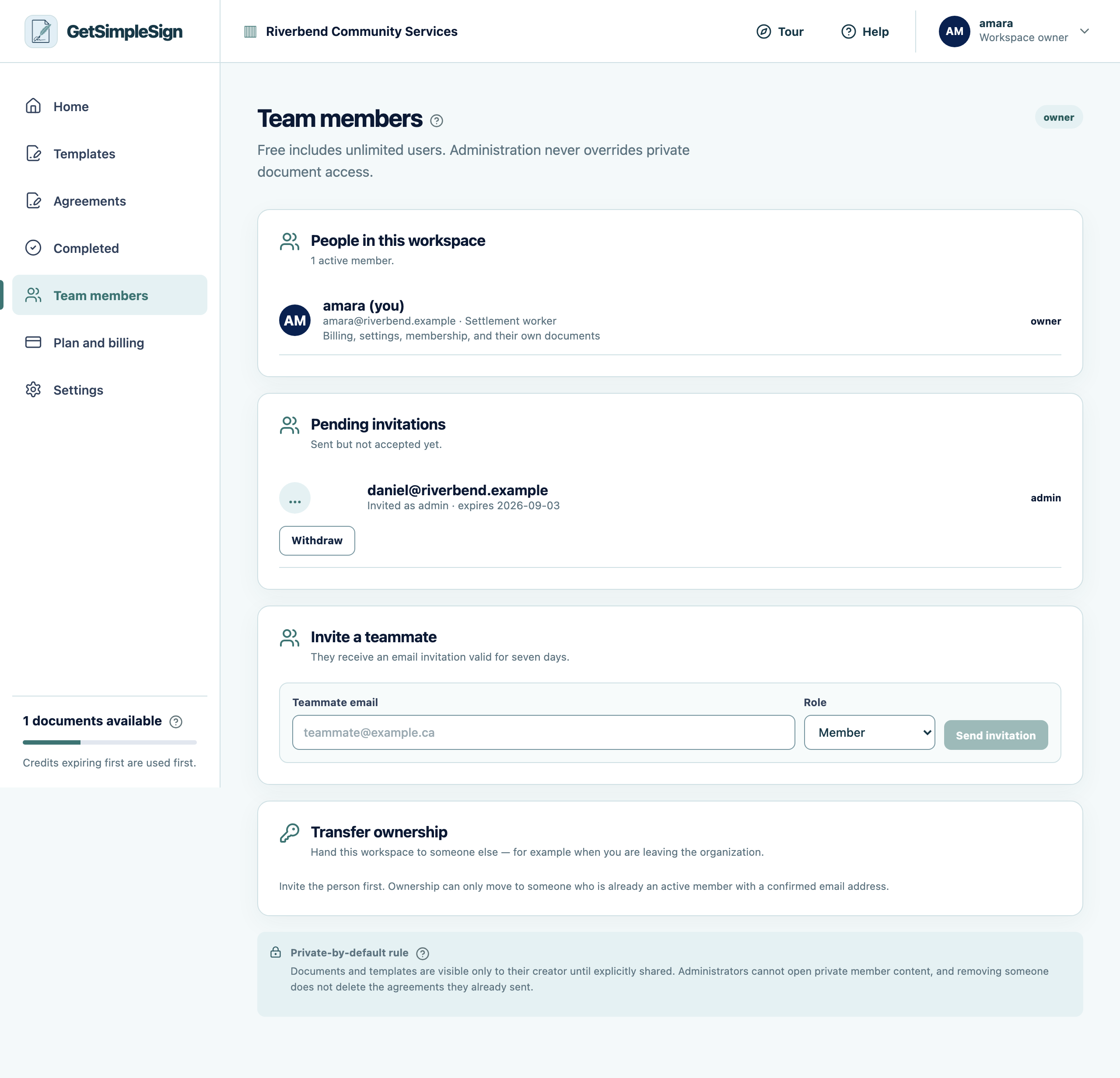
The Team members screen, listing members, their roles, and any invitation still outstanding. Enter their work email and choose a role.
Send the invitation. They get an email with a link to set a password and join.
You should see
They appear in the list as pending, then as a member once they accept.
If it did not work
The invitation expired. Send another — that is faster than chasing an old link, and it means an invitation left in an inbox for six months is not a way in.
They already have an account here from another organization. They can be in both; the workspace switcher appears at the top of the screen.