
Change your password
And what happens to your other devices.
Open your profile and choose the password screen.
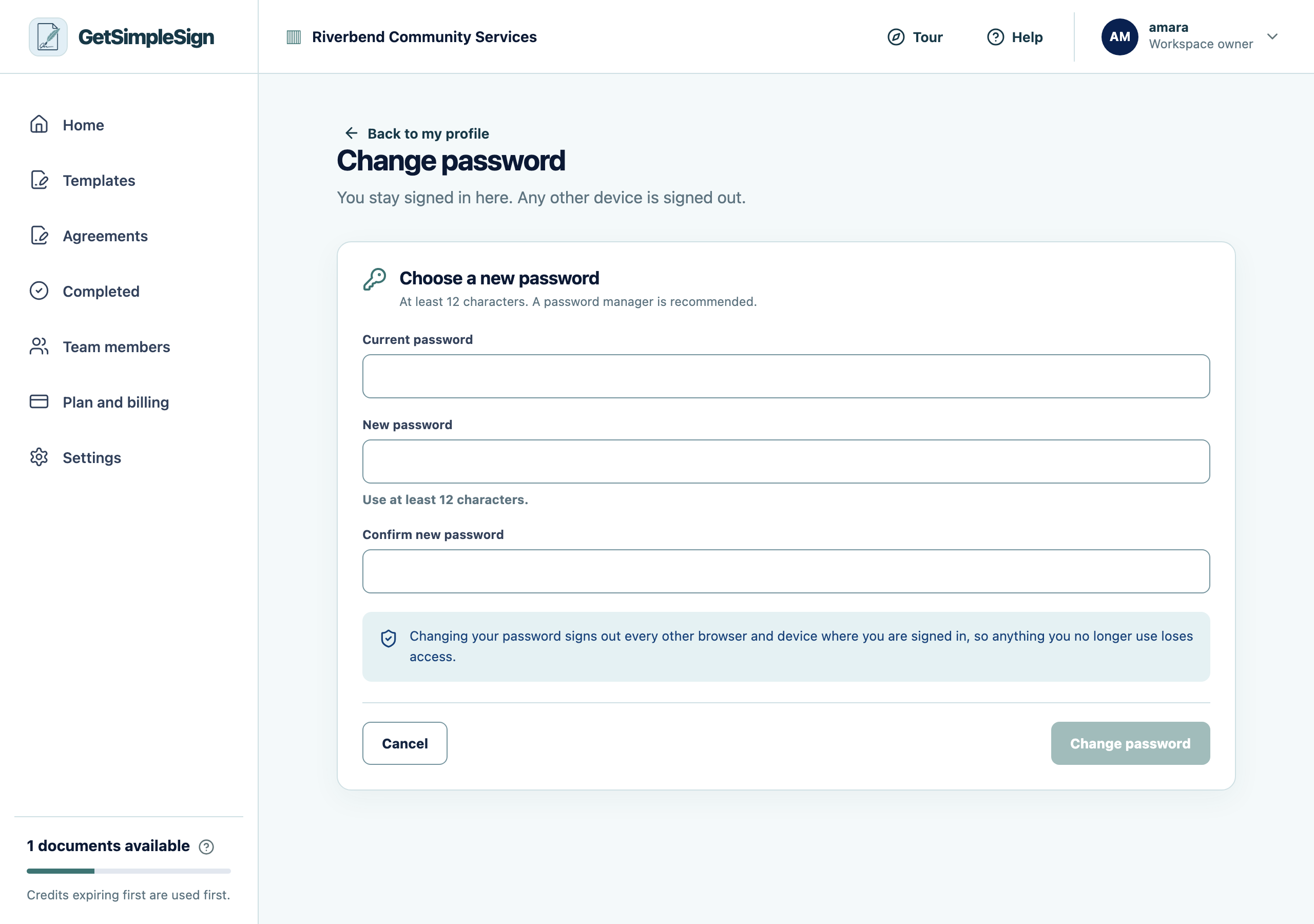
The change password screen, asking for the current password and a new one. Enter your current password, then a new one of at least twelve characters.
Save.
You should see
Every other signed-in session ends. If somebody else had your old password, they are out.
If it did not work
It says the current password is not correct. If you cannot remember it, sign out and use Forgot your password.
It refuses the new one for being the same as the old one. That is on purpose.
Next:Export your data