
Sign in
Getting back into your workspace.
Go to the sign-in page and enter the email address and password you registered with.
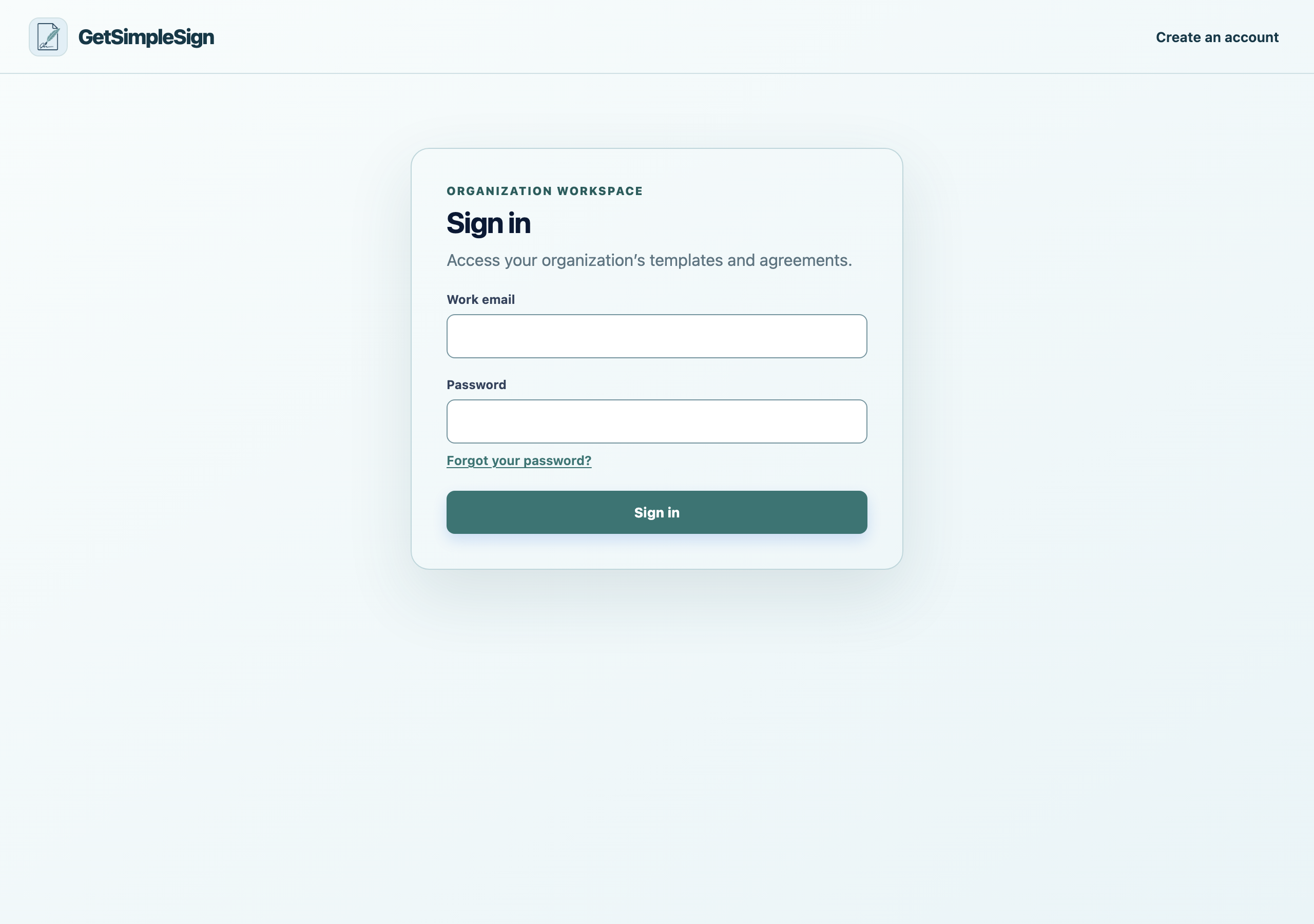
The sign-in screen, with email and password fields and a Forgot your password link. Press Sign in.
You should see
You land on Home, which tells you what is worth doing next and how many documents you have left to send.
If it did not work
It says the email or password is not correct. It will not tell you which one, on purpose — that would let somebody find out whose email is registered here. Try resetting your password.
It says to verify your email first. Look for the message from when you signed up, or use Resend verification email.
It says the account is suspended. Write to [email protected].
Next:Forgot your password