
Export your data
Getting a copy of everything held about you.
Open your profile and go to Your data.
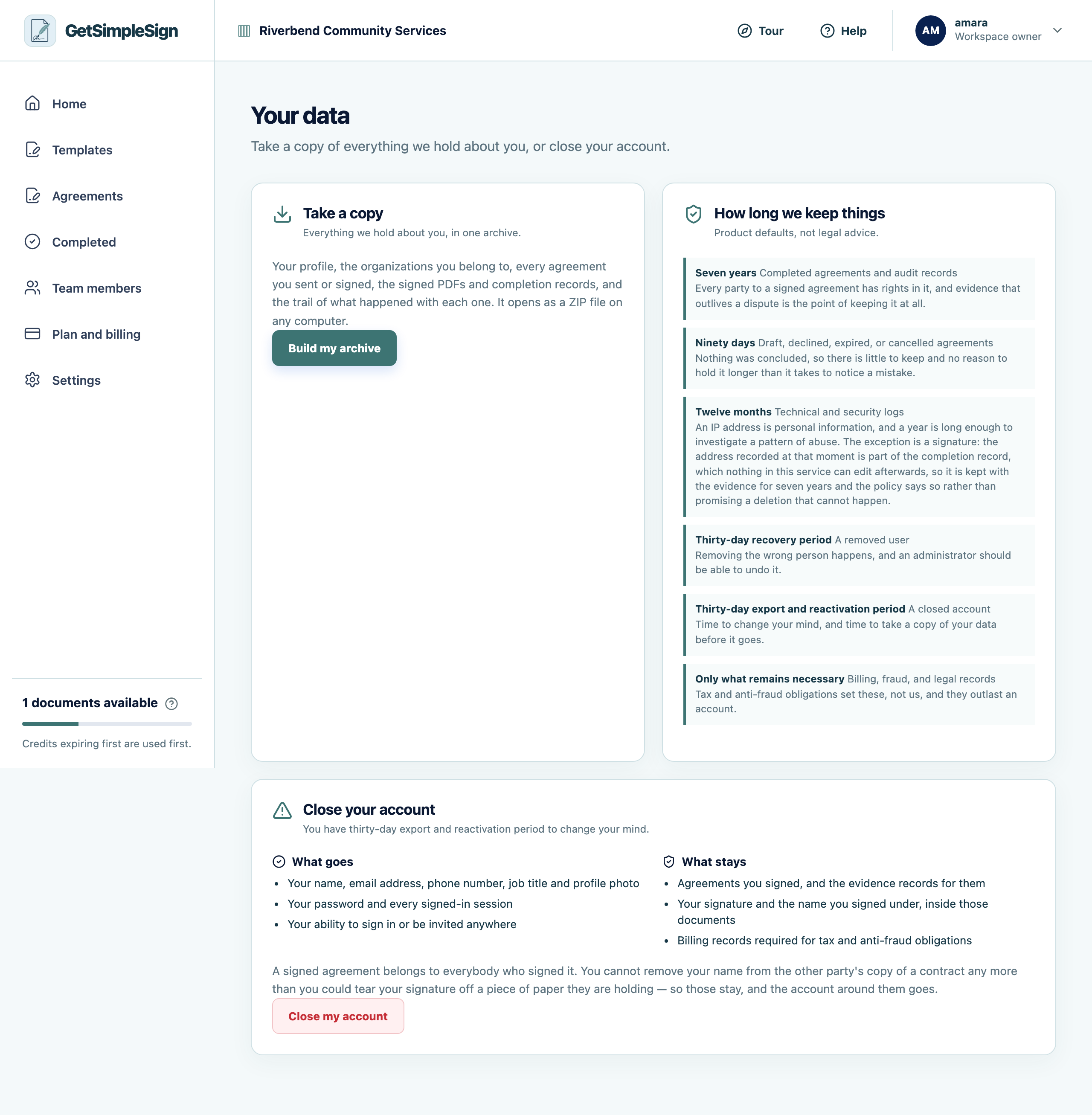
Your data: what is kept about you, how long for, how to export it, and how to close the account. Read what is listed: what is kept, and how long each kind is kept for.
Request an export. You are emailed a link when the archive is ready.
The link expires, and the archive is deleted afterwards — it holds your information, so it does not sit around.
You should see
You have a file containing your account information, your agreements, and the retention policy that applies to them.
If it did not work
You asked twice and only got one. Asking again while one is being prepared is the same request.
You want your organization’s data rather than your own. Ask an owner.
Next:Close your account