

Taxes and receipts
What you are charged on top, and what you get back for your records.
Pack prices are shown in Canadian dollars. Review the order and tax information before paying.
Check the organization’s province under Settings and the billing address at checkout. The configured tax treatment and the purchase details determine the displayed tax.
Open Documents and billing and find the purchase history.
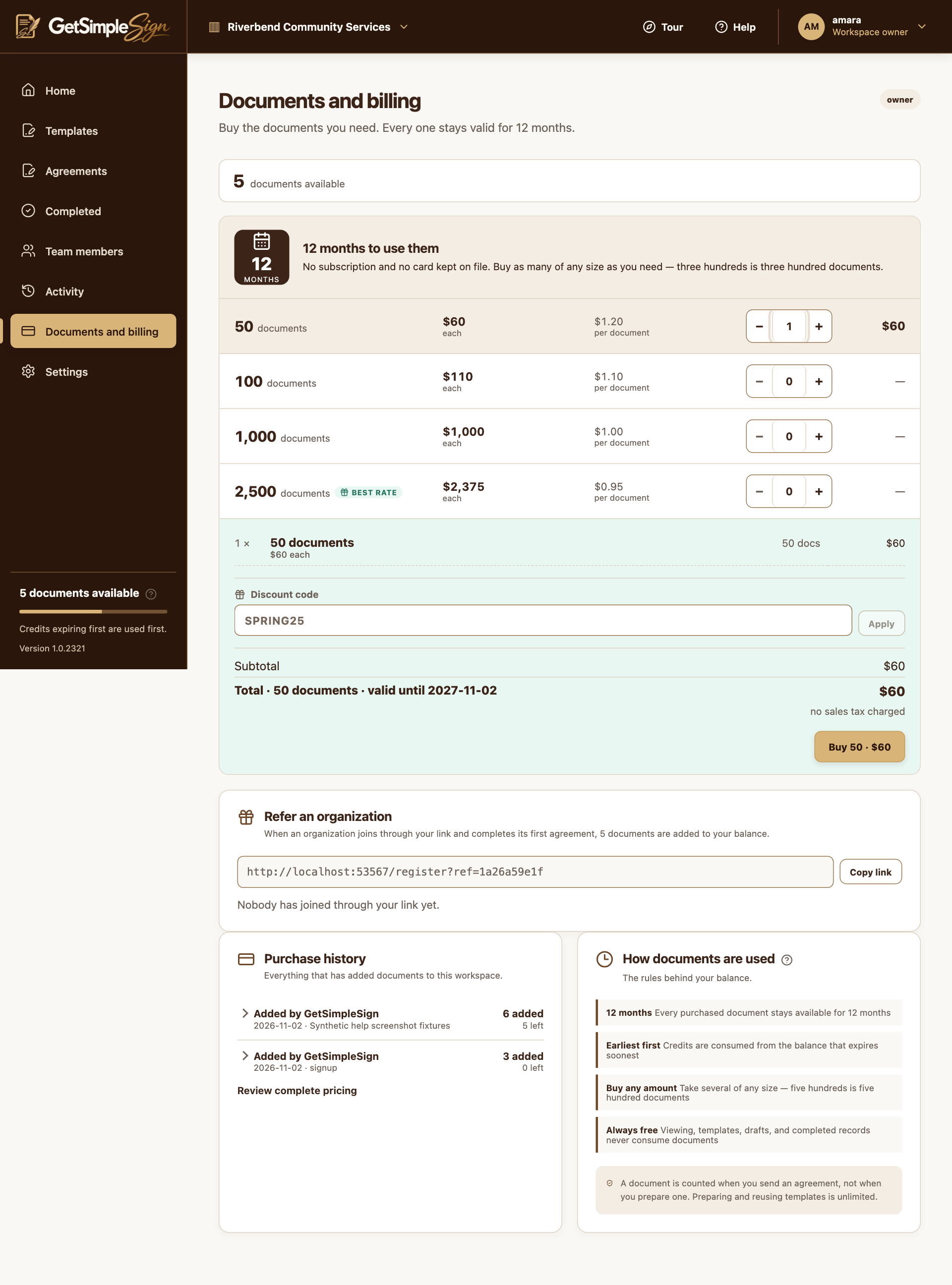
Document packs, quantities and the order summary in a synthetic billing example. Screenshots use a demonstration workspace. Use Receipt, Download PDF or Stripe invoice when provided. These links depend on your role and on which receipt is available for that purchase.
You can save the available receipt for your records and review any tax shown on it.
Do not rely on a fixed rate quoted in an old guide. Check the actual checkout and receipt, and contact support about an incorrect address or tax amount.
If a refund is issued, check the updated purchase and credit balance. Cancellation of a signing request is separate from refunding a payment.