
Send a one-time document
For a PDF you will never send again, so making a template of it would be a waste of time.
Press Send one-time document from the template library.
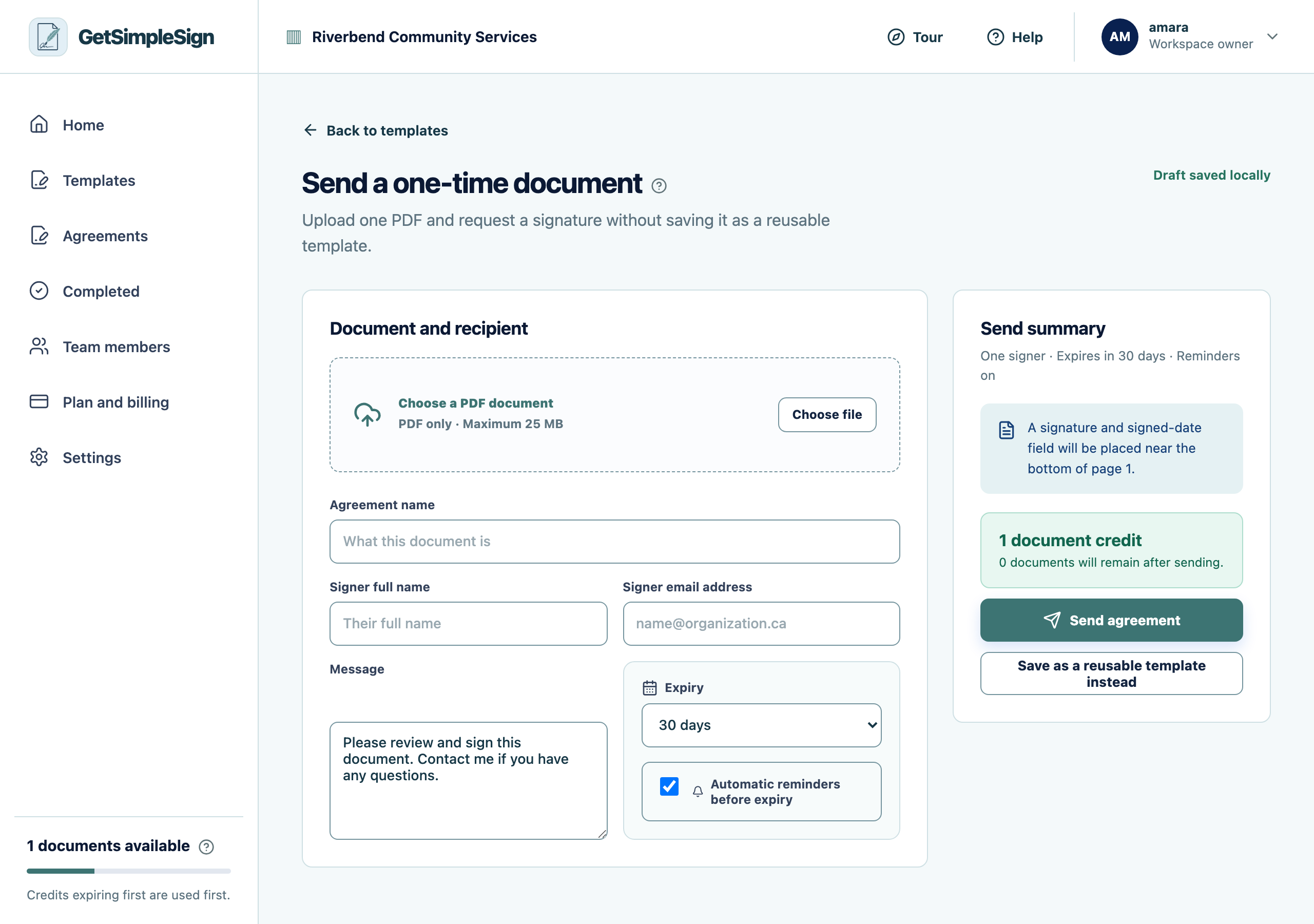
The one-time document screen, for sending a PDF once without making a template of it. Choose the PDF.
Type the signer’s name and email, and a name for the agreement. The name defaults to the file name, which is usually close enough.
Press Send.
You should see
It appears under Agreements exactly like one sent from a template.
If it did not work
You wanted to place fields on it. A one-time document takes a signature at the end rather than fields you place. If you need fields, upload it as a template instead — you can archive the template afterwards.
You find yourself sending the same one-time document twice. Make it a template. It takes five minutes once.
Next:Upload a document