
Place fields
Marking where people sign, and what else they have to fill in.
Open the template and go to the field editor.
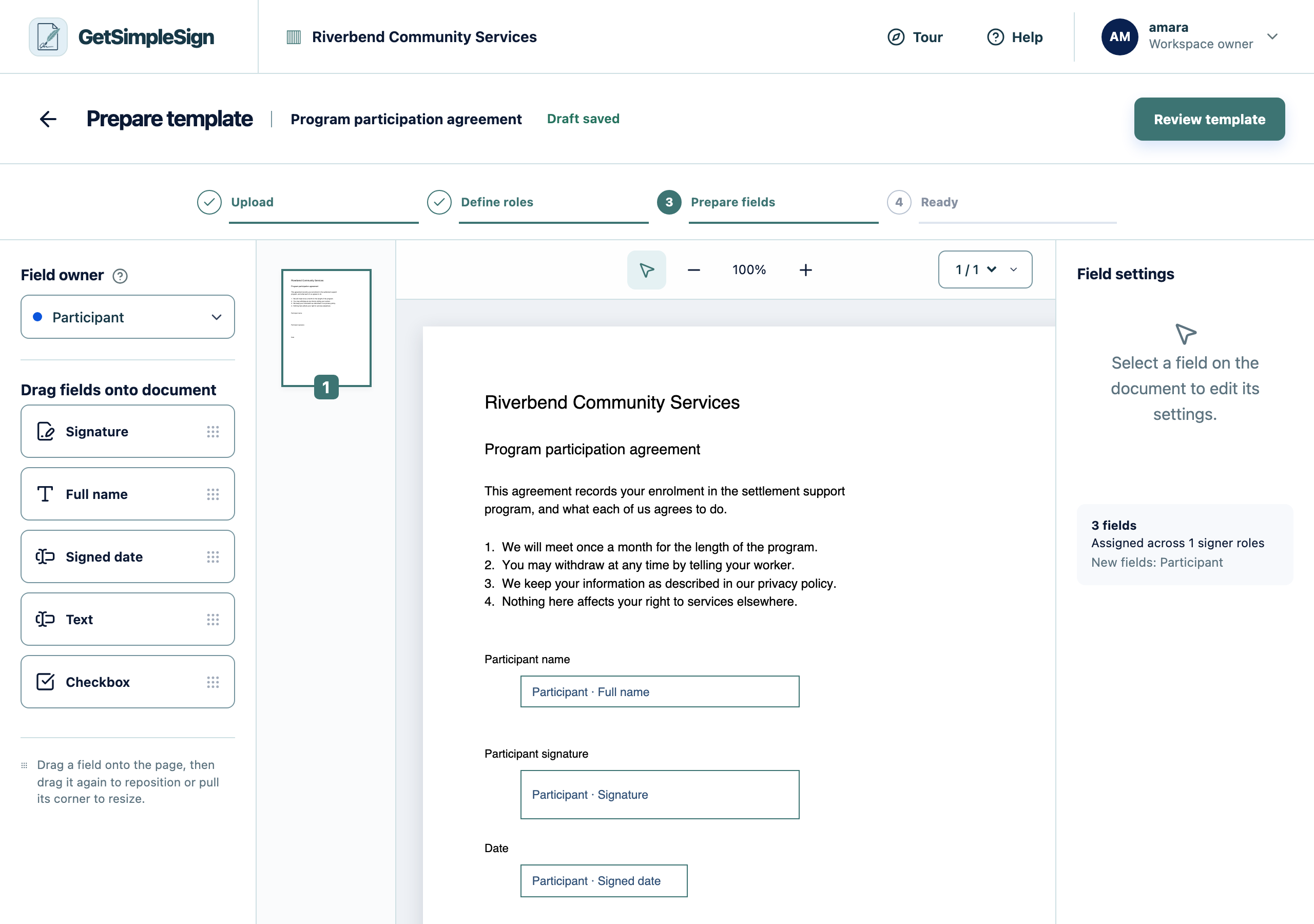
The field editor, showing the document with a name, signature and date field placed on it. Choose a field type and drag it onto the page where it belongs. A signature field is required for every signer.
Drag its corner to resize it. A signature field wants to be about the width of a signature line.
Assign each field to a role, so the right person is asked for it.
Mark a field required if the document cannot be completed without it. A signer cannot finish while a required field is empty.
Every signer role has at least one signature field, and the review screen shows no warnings.
You cannot publish. Check every signer role has a signature field — that is the only hard requirement.
A field is on the wrong page. Scroll to the right page in the editor before dragging; a field belongs to the page it is dropped on.