
Signing language
The language your clients read, set once for the whole organization.
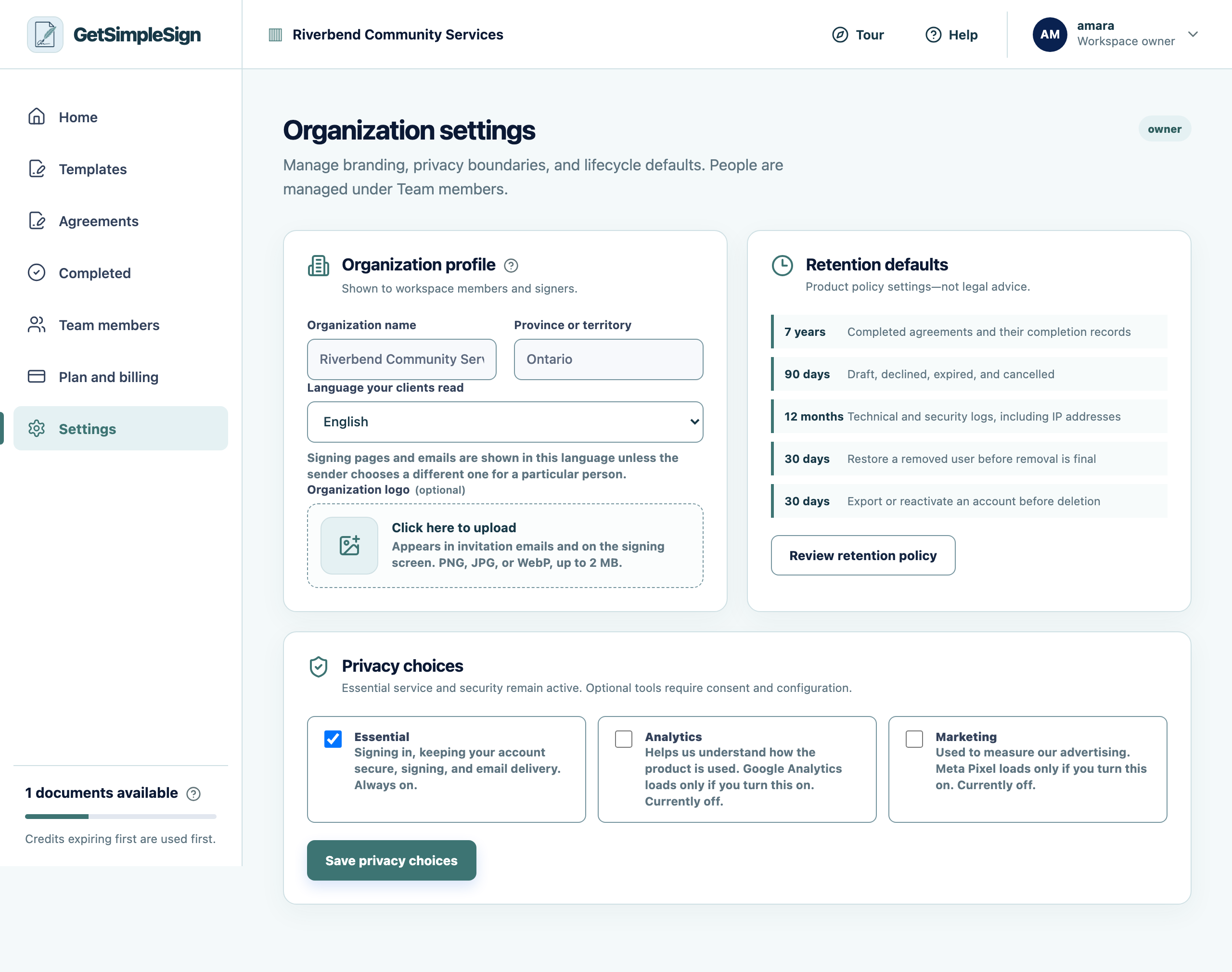
Open Settings and choose the language your clients read.
 1
1Organization settings: name, province, signing language, logo, retention defaults and privacy choices. - 1Your logo appears on invitation emails and on the signing screen. Click anywhere in this panel to upload one.
Every agreement you send starts in that language — the signing screen, the emails, and the explanation people agree to.
A sender can still choose a different language for one particular person on the send screen.
You should see
New agreements arrive in the right language without anybody having to remember to set it.
If it did not work
The document itself is still in English. This setting changes the product around the document, not the document — that is whatever PDF you uploaded.