

This guide provides general operational information for Canadian organizations. It is not legal advice, and it does not determine whether a specific document or process is legally appropriate.
Upload or start from the gallery
Templates accepts supported PDF, Office and image files up to 25 MB each. Office files and images are converted to PDF. Review the pages after conversion; a gallery example also needs a content review.
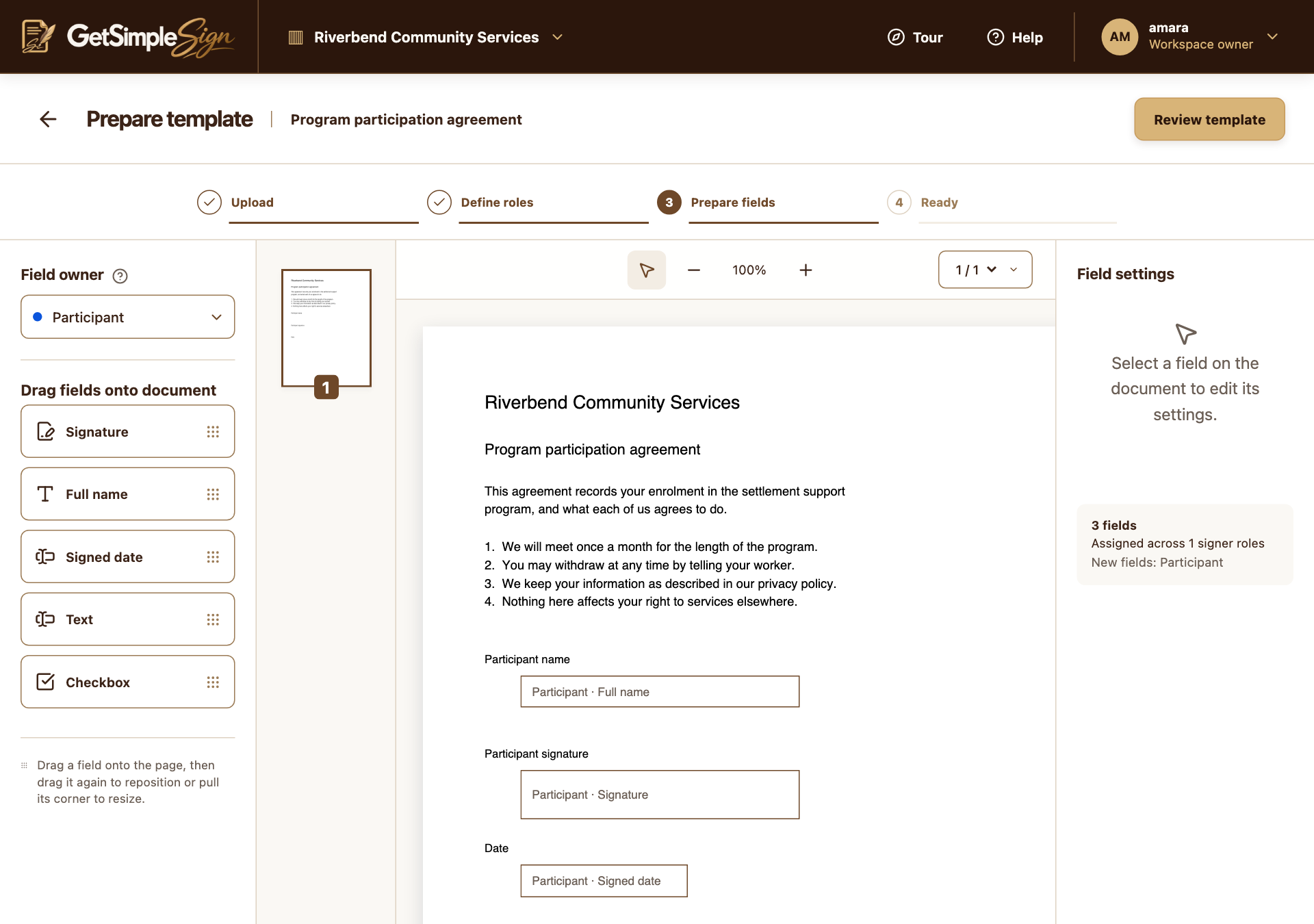
Define roles and field owners
Use roles such as Client or Staff signer. Must sign roles need signature fields; Receives a copy roles do not. Choose Sequential or Parallel, then assign fields to a signer or to the sender.
Review, publish and test
Choose Review template, correct warnings and Mark template Ready. Run a non-sensitive test send to check the document and routing before relying on it. The current customer UI does not have a template-sharing control.
A practical next step
Test the workflow with a non-sensitive document and your own test recipient. Check the current Help centre for step-by-step instructions and screenshots before using it for a real agreement.