

This guide provides general operational information for Canadian organizations. It is not legal advice, and it does not determine whether a specific document or process is legally appropriate.
Resend a correct, active request
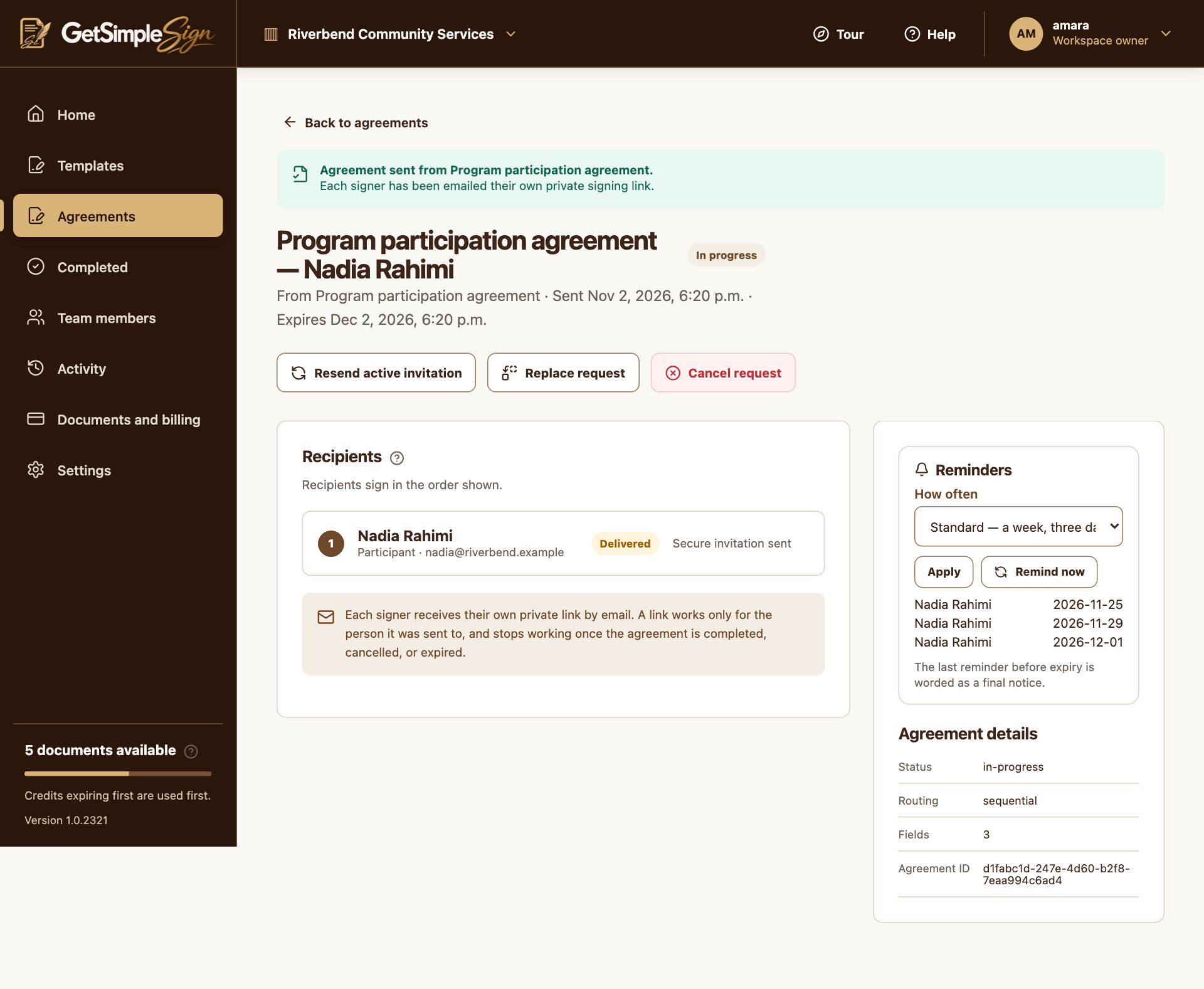
Resend active invitation or Remind now sends fresh links to the currently active email signers. Older links for those invitations stop working. Completed signatures and access-code requirements are retained.
Cancel a request that must stop
Cancel request shows a confirmation explaining the links and signatures affected. Cancellation closes the request and stops reminders. It does not automatically return a document credit.
Prepare a replacement
Replace request opens a new send with details to review and change. Sending the replacement uses another document credit and requires new signatures. For an expired or completed request, prepare a new agreement rather than expecting resend to reopen it.
A practical next step
Test the workflow with a non-sensitive document and your own test recipient. Check the current Help centre for step-by-step instructions and screenshots before using it for a real agreement.