

This guide provides general operational information for Canadian organizations. It is not legal advice, and it does not determine whether a specific document or process is legally appropriate.
Check the actual task
Test the invitation and signing process on a phone and with a keyboard. Confirm that the document text, labels, required fields and error messages are understandable.
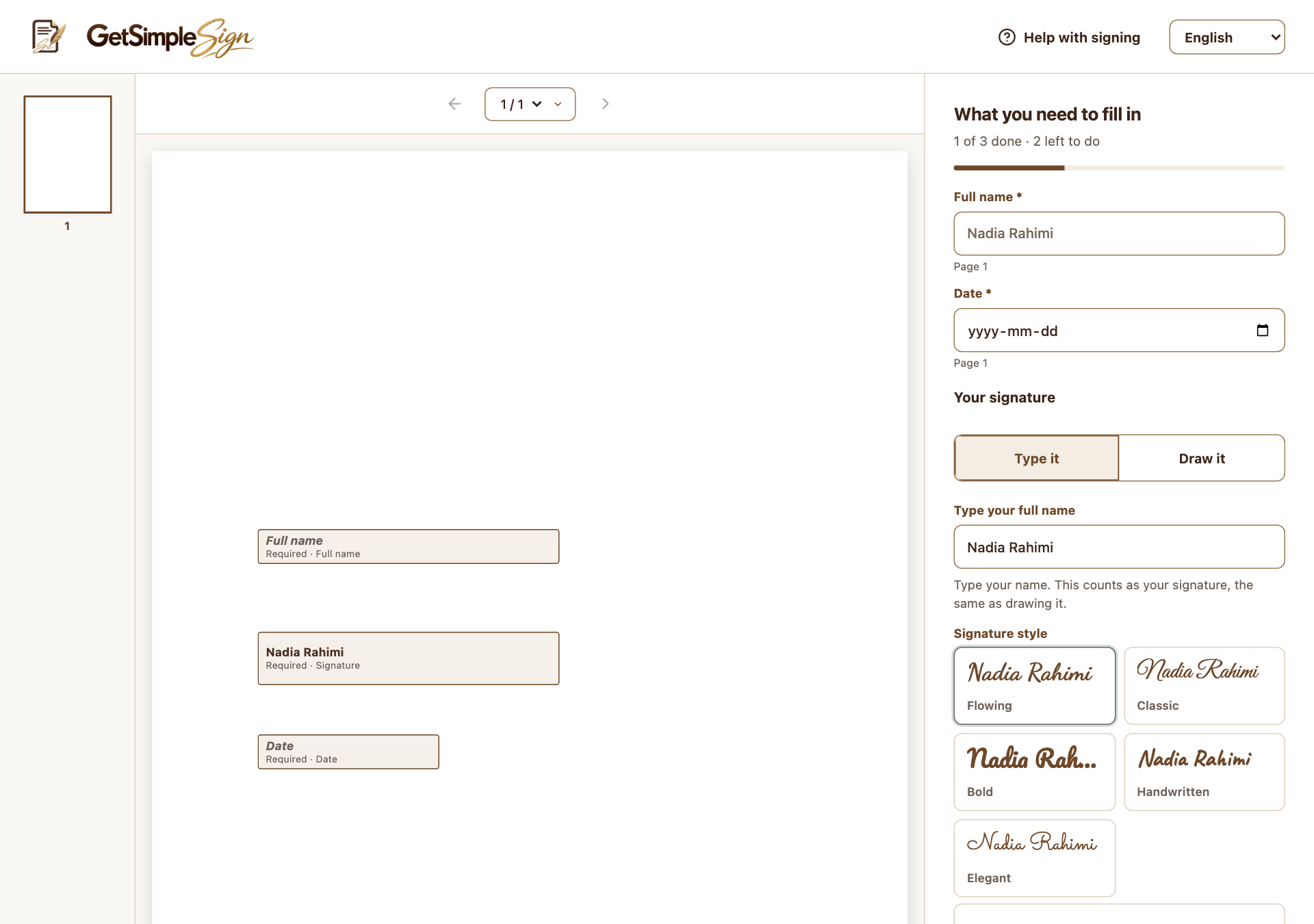
Use the available alternatives
Typed and drawn signatures are offered. English, French and Spanish signing interfaces are available, but changing interface language does not translate the uploaded PDF. An assisted-signing entry records a helper; it does not replace an independent witness signature.
Keep human support available
Use the signing Help control for technical guidance and contact the sender about document questions. If precise template-field placement is difficult on a small screen, prepare it on a larger display. Provide a suitable alternative when the electronic workflow does not meet the participant’s needs.
A practical next step
Test the workflow with a non-sensitive document and your own test recipient. Check the current Help centre for step-by-step instructions and screenshots before using it for a real agreement.