

This guide provides general operational information for Canadian organizations. It is not legal advice, and it does not determine whether a specific document or process is legally appropriate.
Map the client moment
Identify when the agreement is needed, who explains it, and who signs. Offer a suitable alternative if the client cannot use the online workflow.
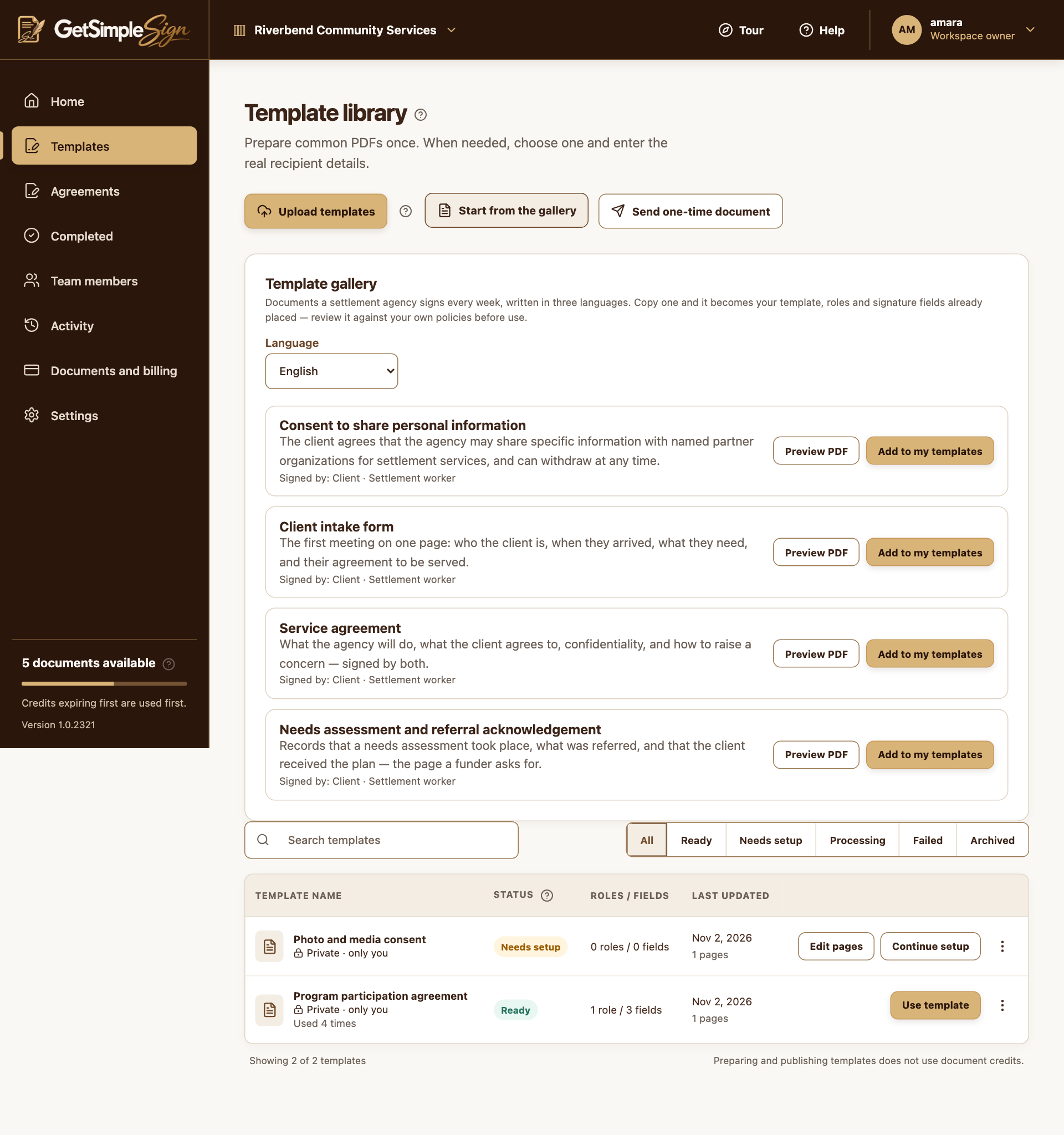
Prepare a clean template
Upload the approved blank document or start from a gallery example. Set reusable signer roles, field owners and routing. Enter the real client only when sending.
Keep each caseworker’s records separate
Workspace membership does not automatically reveal another creator’s private templates or agreements. Have each author prepare their own approved blank template; use signing invitations and copy roles to deliver a particular completed agreement.
A practical next step
Test the workflow with a non-sensitive document and your own test recipient. Check the current Help centre for step-by-step instructions and screenshots before using it for a real agreement.