

This guide provides general operational information for Canadian organizations. It is not legal advice, and it does not determine whether a specific document or process is legally appropriate.
Separate administration from private content
Owners manage purchases, membership and settings. Administrators manage invitations and settings. These roles do not automatically expose another creator’s private templates or agreements.
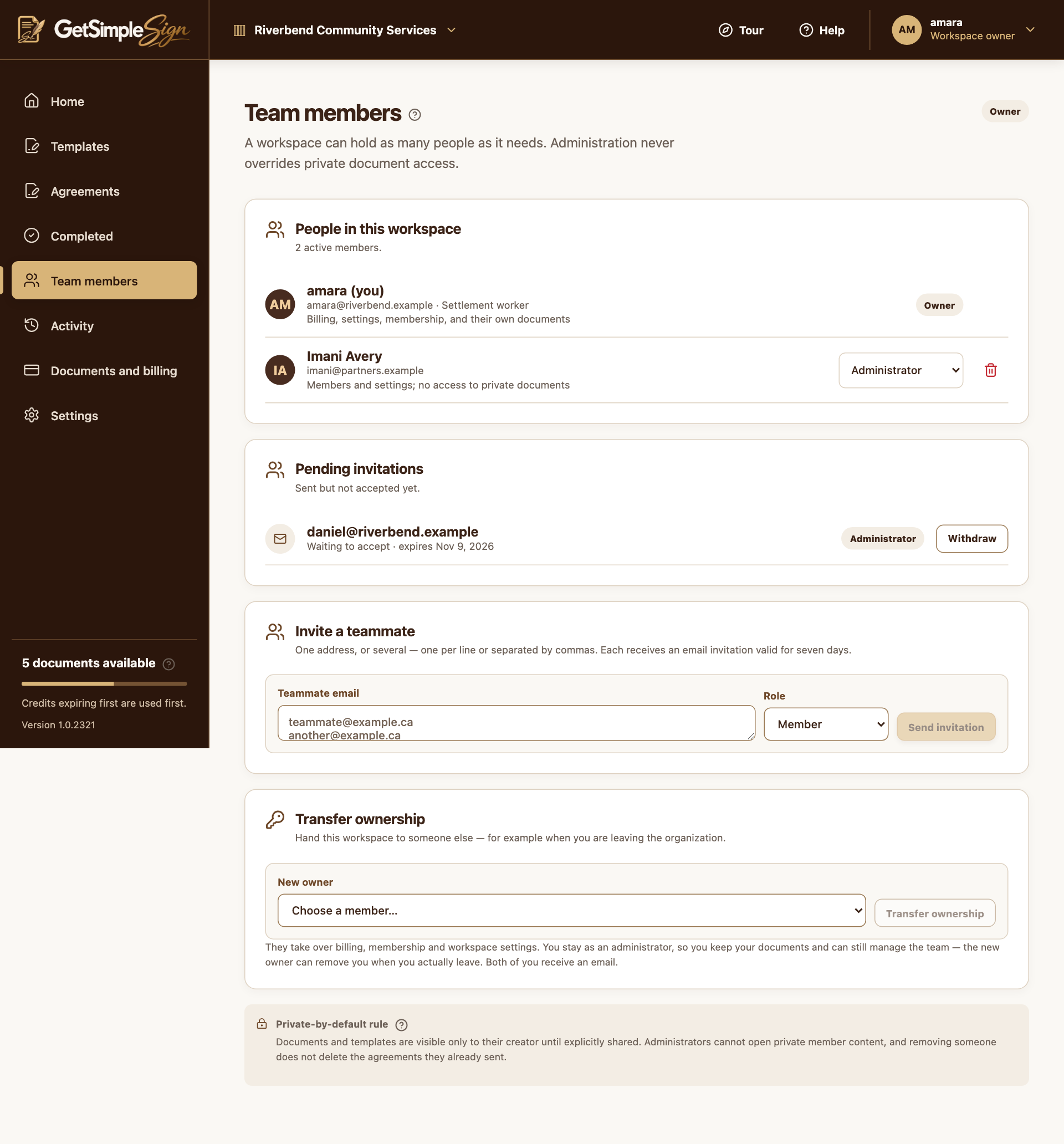
Use the controls actually available
The current customer UI does not offer a Share control for template or agreement collaborators. A team invitation or role change is not a document-sharing action.
Deliver an agreement deliberately
Add Must sign recipients for people who sign and Receives a copy roles for people who need the completed copy. Sending or downloading a copy is separate from granting workspace access. Follow your organization’s rules when distributing files.
A practical next step
Test the workflow with a non-sensitive document and your own test recipient. Check the current Help centre for step-by-step instructions and screenshots before using it for a real agreement.